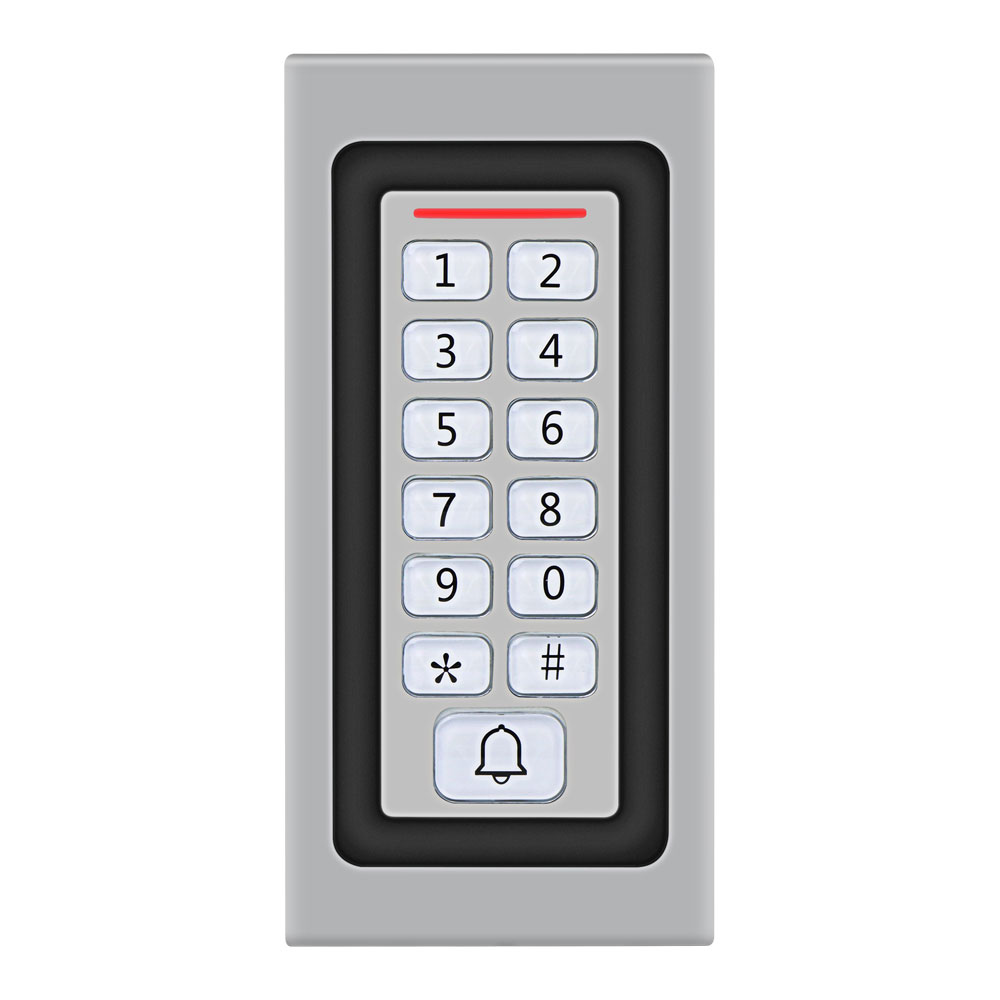
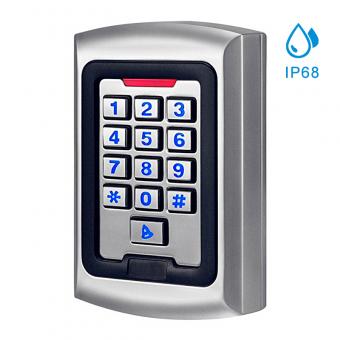
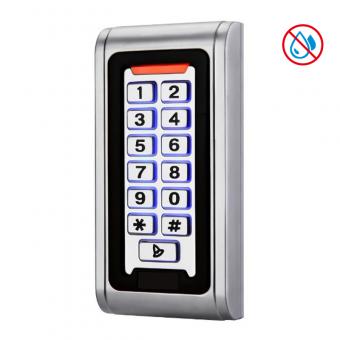
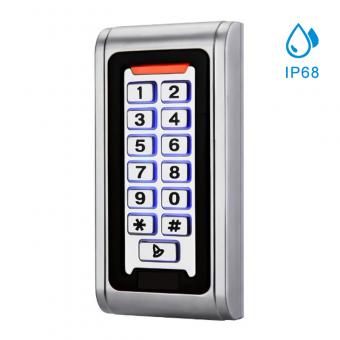
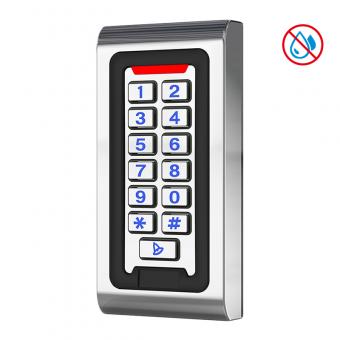
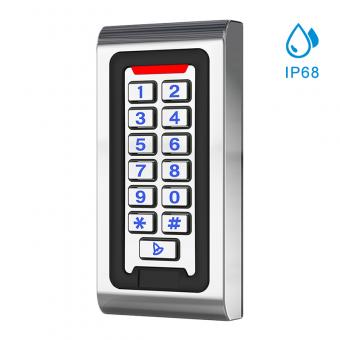
Standalone Access Control System (Non-Software Based)
|
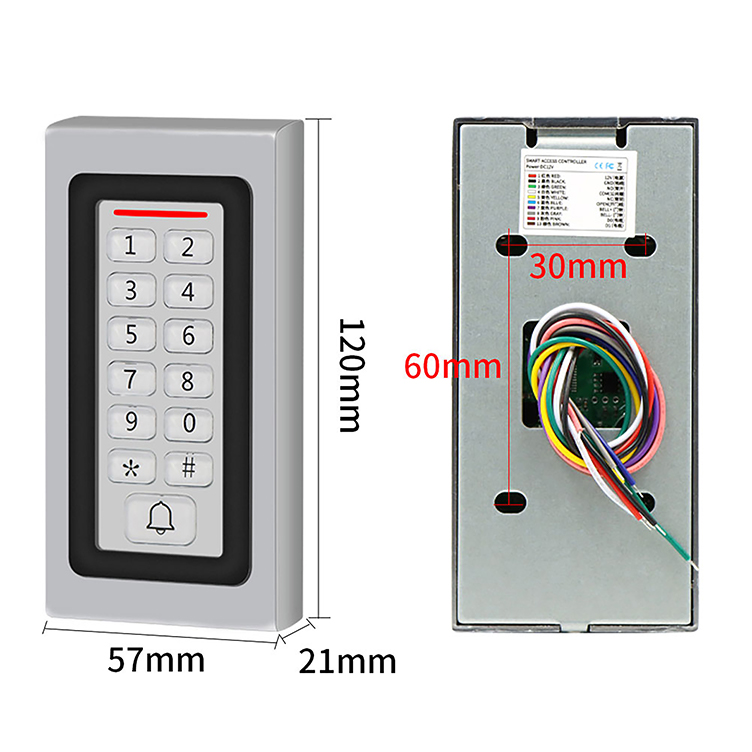
Product model
|
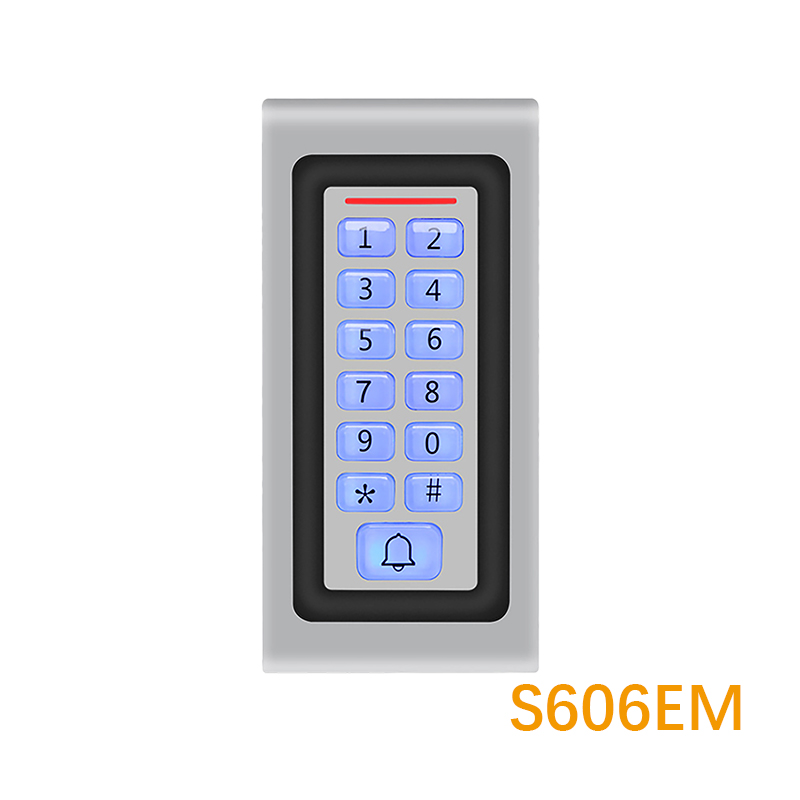
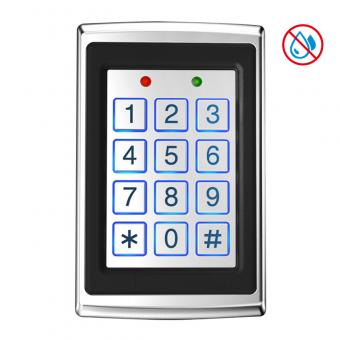
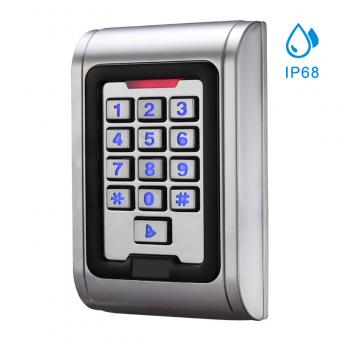
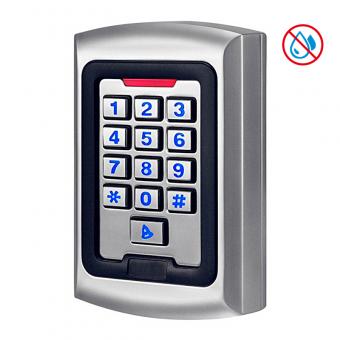
S4A S606EM
|
|
Dimensions
|
W80mm x H150mm x T40mm
|
|
Material
|
Metal
|
|
Verification Method
|
Electric lock, Door sensor, Exit button, alarm. DoorBell
|
|
Capacity Of Cards
|
1500 Users
|
|
Wiegand Signal
|
Output & Input (Support external Wiegand26 card reader and standalone)
|
|
Power supply
|
DC12V
|
|
Waterproof grade
|
IP67
|
|
Frequency
|
EM-ID 125KHz or 13.56MHZ
|
|
keyboard
|
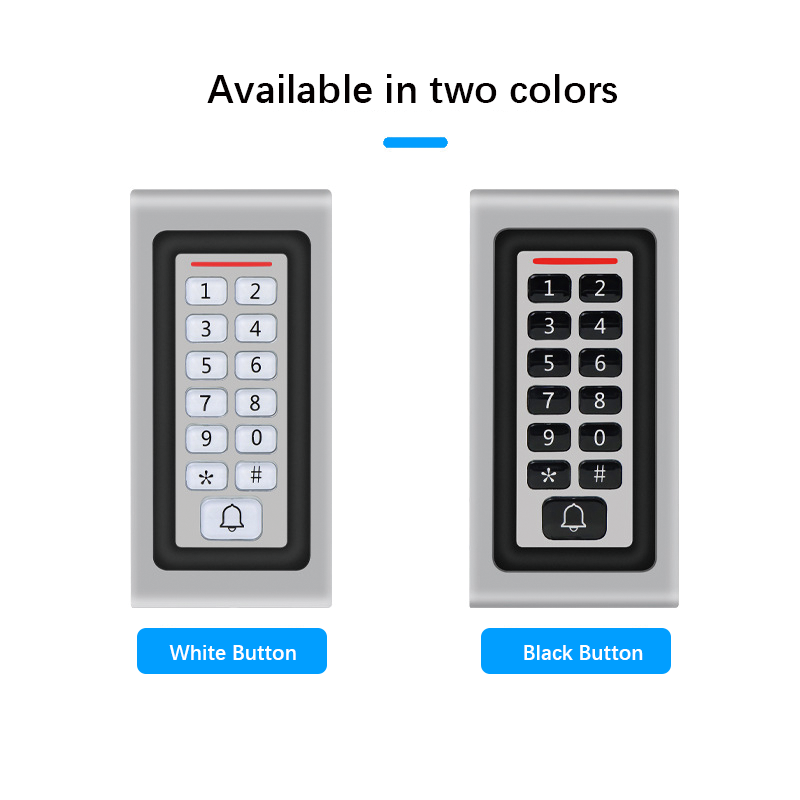
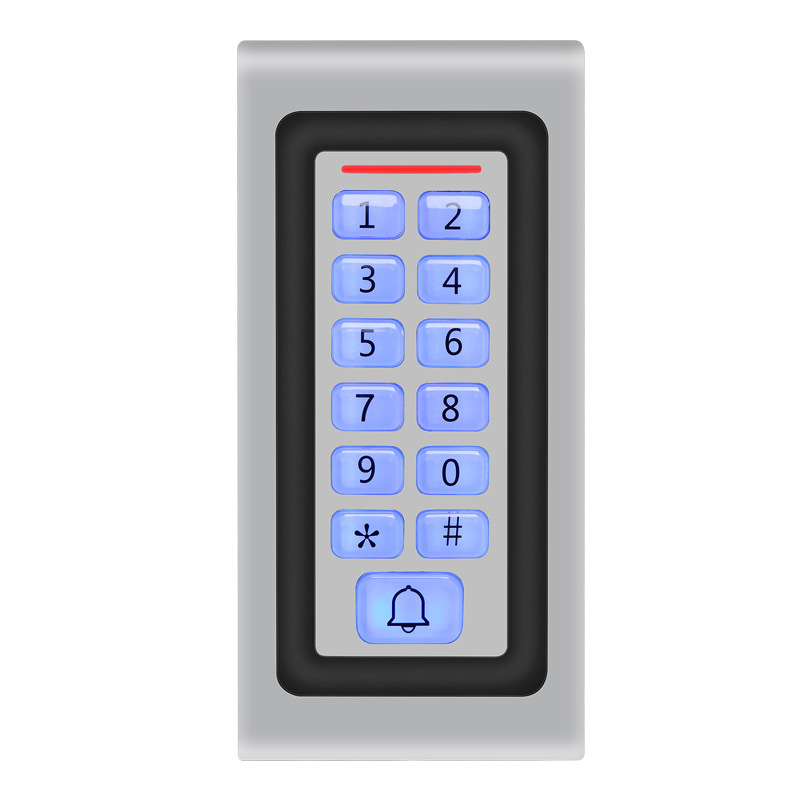
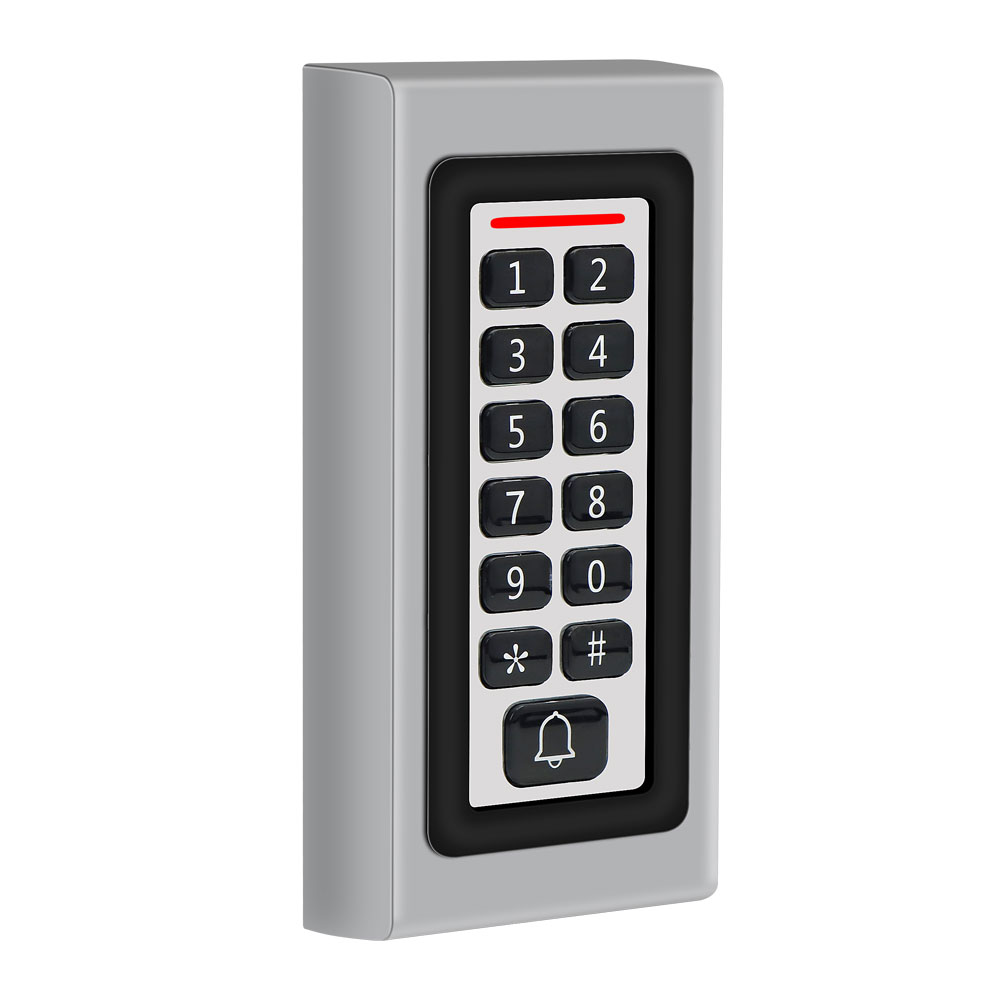
Metal buttons with luminous
|
|
Operating Temperature
|
-45°C-60°C
|
Installing a standalone access control system is a practical way to enhance security for homes, offices, or small commercial spaces. This guide provides a step-by-step walkthrough to ensure a smooth installation process, covering essential steps, tools, and considerations.
1. Understand the System Components
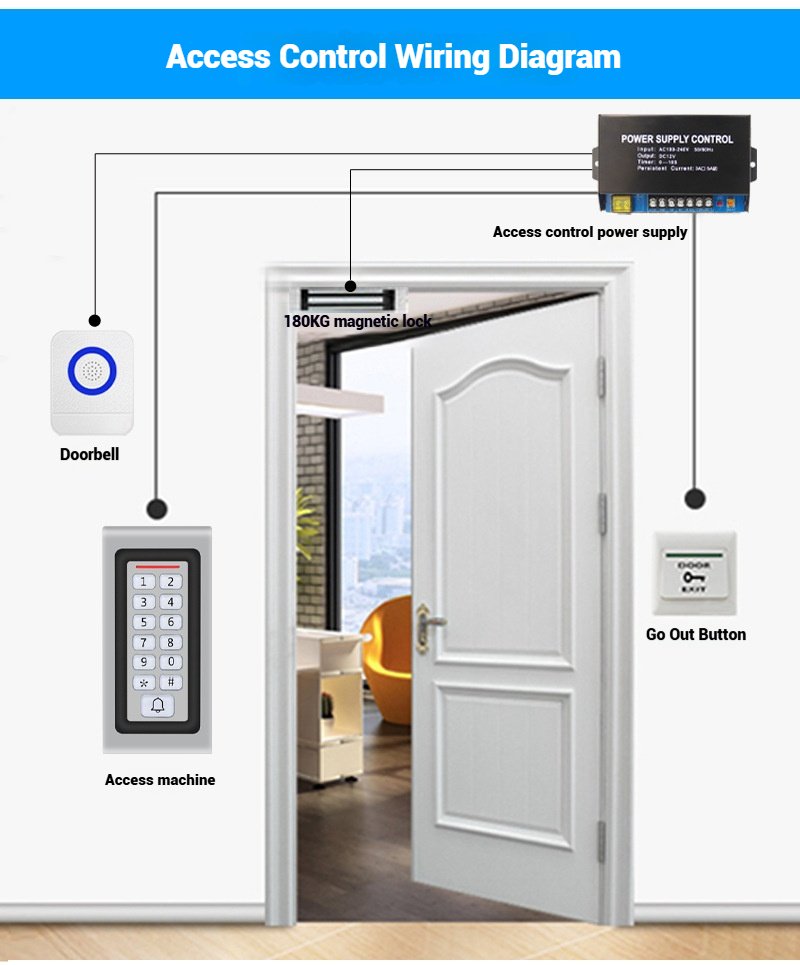
A standalone access control system typically includes:
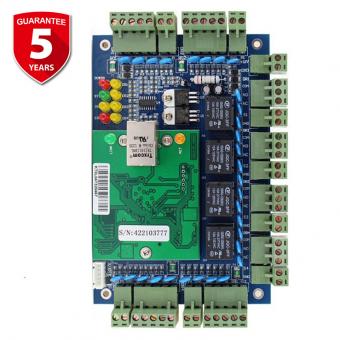
Control Panel: The core unit that manages access permissions.
Reader/Keypad: Installed outside the door for users to authenticate (e.g., RFID card, PIN, or biometric).
Locking Device: Magnetic locks, electric strikes, or smart locks that interface with the control panel.
Power Supply: A 12V DC power adapter or battery backup for continuous operation.
Exit Button: Installed inside the door for easy egress.
Wiring: Cables to connect components (e.g., Cat6 for data, 18 AWG for power).
2. Prepare Tools and Materials
Gather the following:
Tools: Screwdrivers, wire strippers, voltage tester, drill, and mounting hardware.
Materials: Brackets, screws, cable management clips, and a surge protector.
Safety Gear: Gloves and goggles for drilling or handling wiring.
3. Plan the Installation
Step 1: Choose the Door
Select a door with a stable power supply access. Ensure the doorframe can accommodate the lock type (e.g., magnetic locks require metal frames).
Step 2: Mount the Control Panel
Install the control panel in a secure location (e.g., near the door or in a utility room).
Use wall anchors if needed, ensuring they’re at a height of 1.4–1.5 meters for easy access.
Step 3: Install the Reader/Keypad
Mount the reader/keypad on the exterior door frame at a comfortable height (e.g., 1.3–1.5 meters).
Connect the reader to the control panel using the provided wiring harness. Ensure wires are shielded to prevent interference.
Step 4: Install the Locking Device
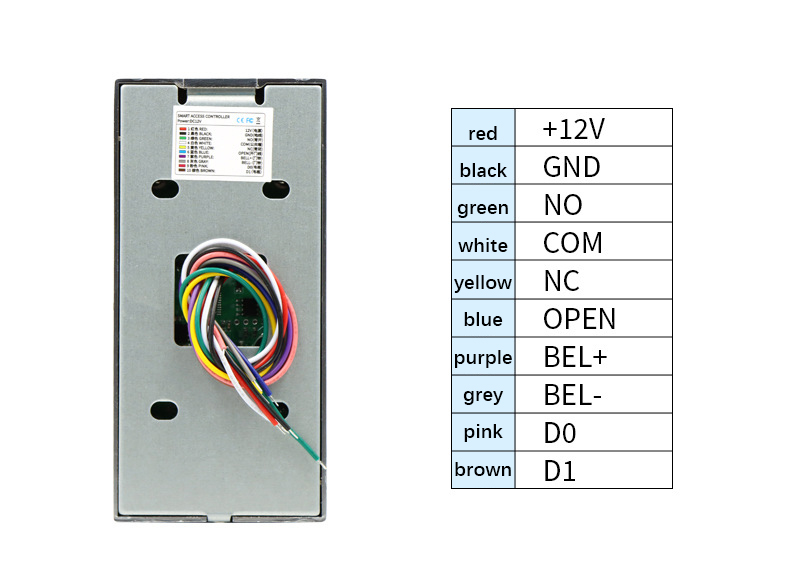
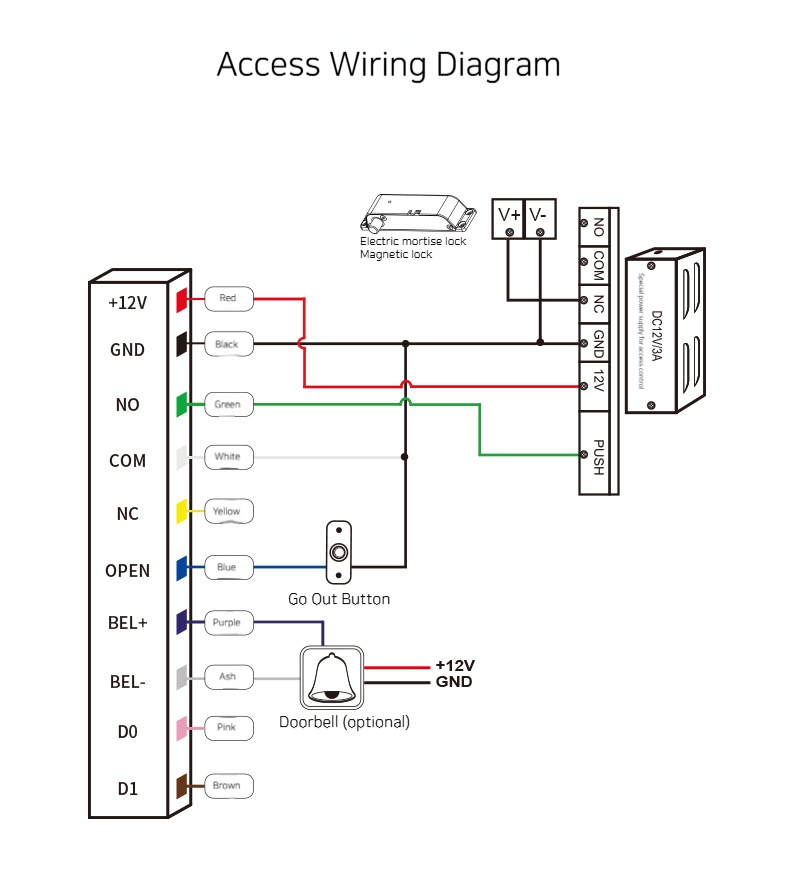
Magnetic Lock: Attach the lock to the doorframe and the armature plate to the door. Connect the lock’s wires to the control panel’s NC (Normally Closed) terminals for fail-safe operation (unlocks during power outages).
Electric Strike: Replace the existing door strike plate with the electric version. Connect it to the control panel’s NO (Normally Open) terminals for fail-secure operation (locks during power outages).
Step 5: Connect the Exit Button
Install the exit button inside the door, near the handle. Connect its wires to the control panel’s “Exit” terminals. Test it to ensure pressing the button unlocks the door instantly.
Step 6: Power Up the System
Connect the power supply to the control panel. Verify the voltage (12V DC) using a multimeter.
Test the system: swipe a card, enter a PIN, or press the exit button to ensure the lock functions correctly
By following these steps, you can install a standalone access control system efficiently while ensuring long-term security and compliance. For detailed diagrams or model-specific instructions, refer to the S4A factor's manual
Should you need any further information, please don't hesitate to contact S4A at anytime,dear



 English
 français
 Deutsch
 русский
 italiano
 español
 português
 العربية
 Türkçe
 Tiếng Việt
 Indonesia
 IPv6 network supported