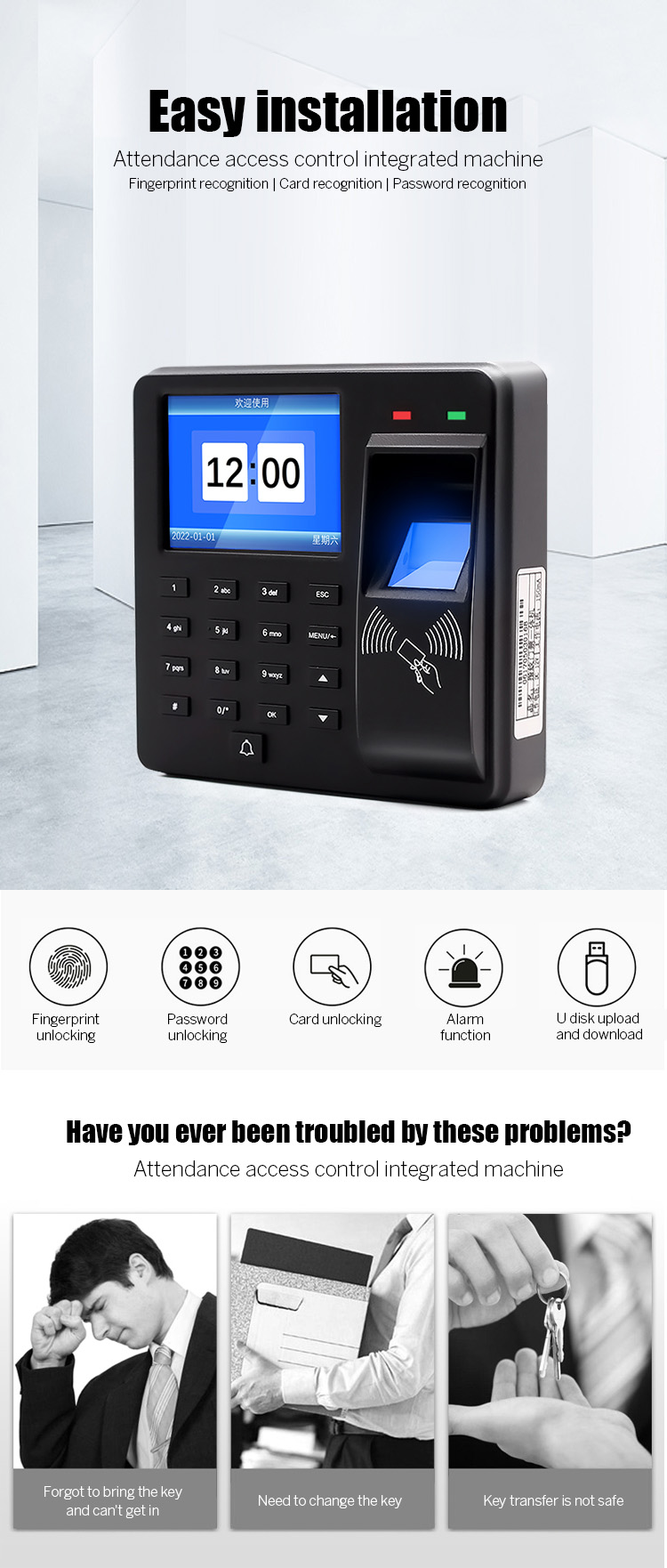
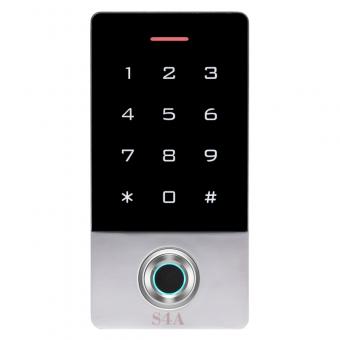
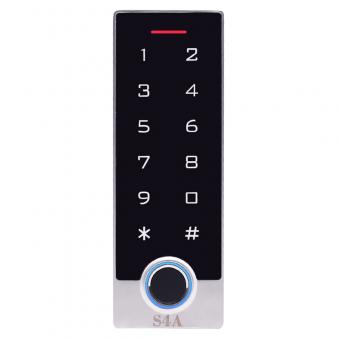
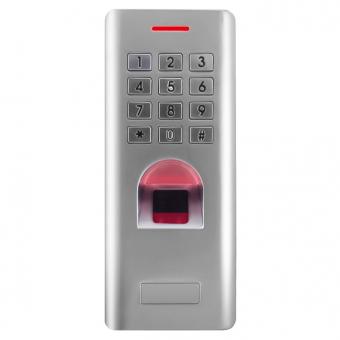
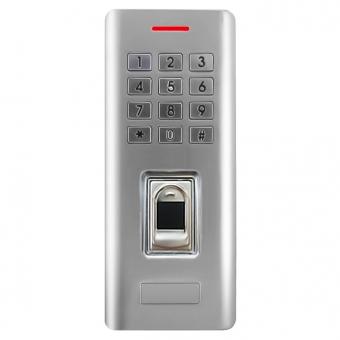
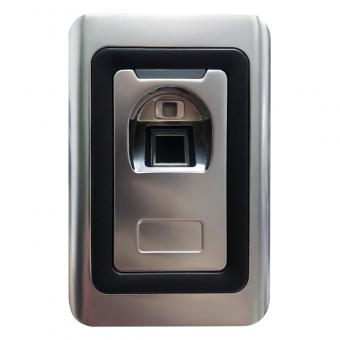
Fingerprint RFID Standalone Access Controller with time attendance
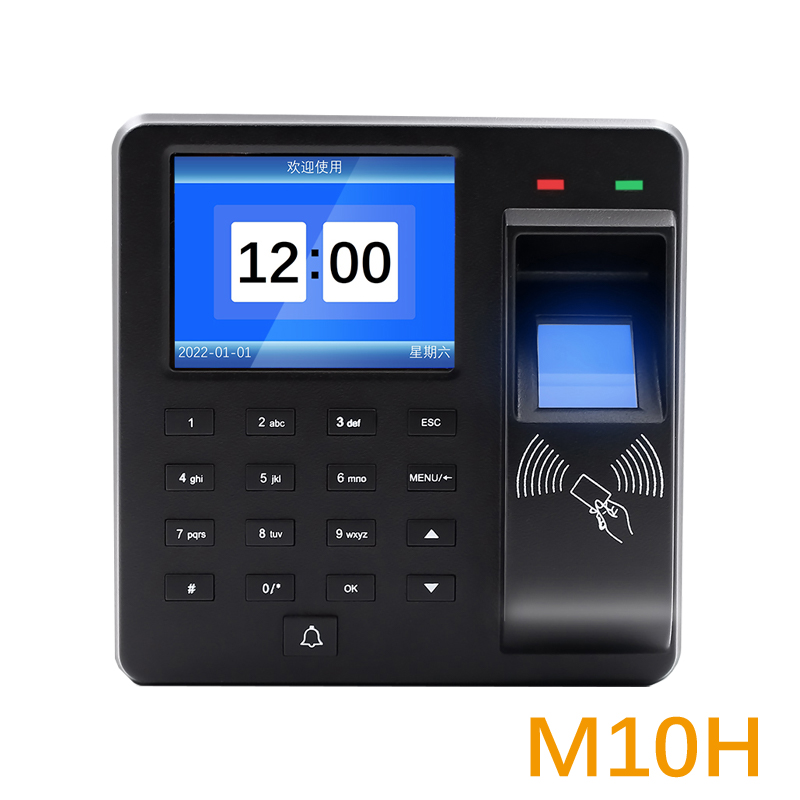
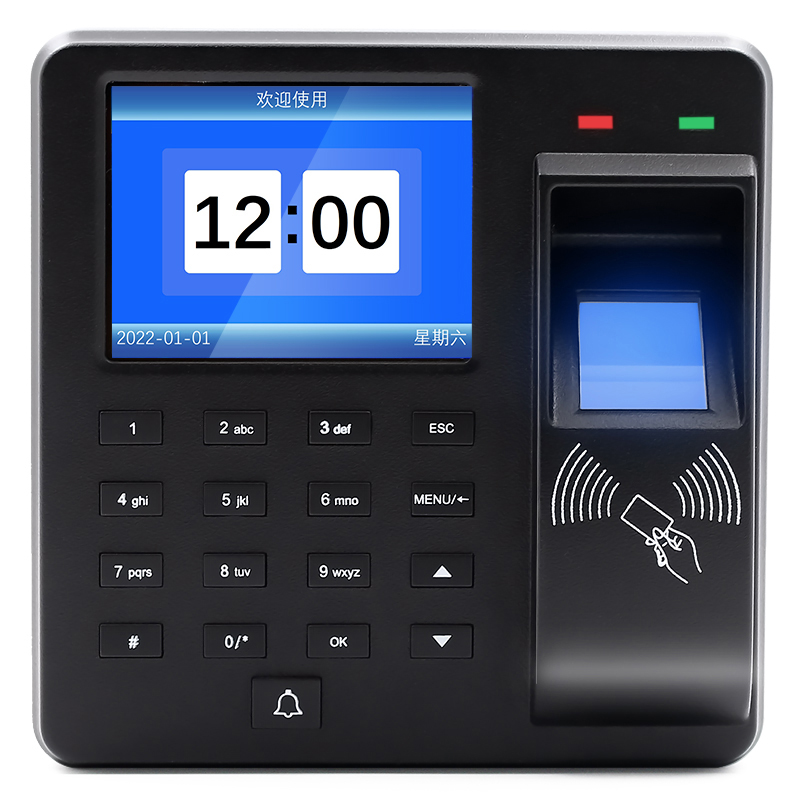
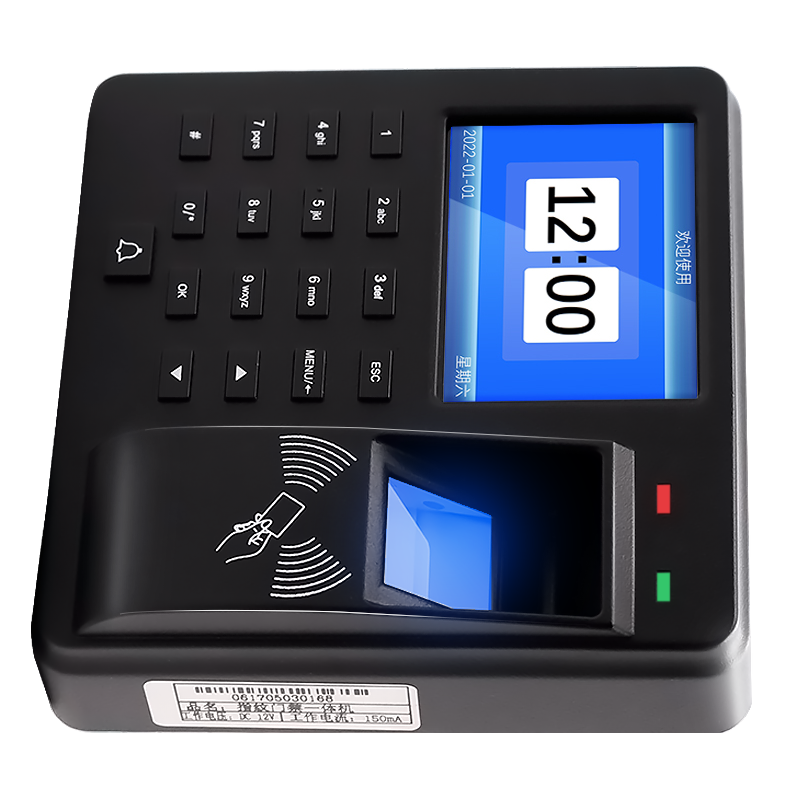
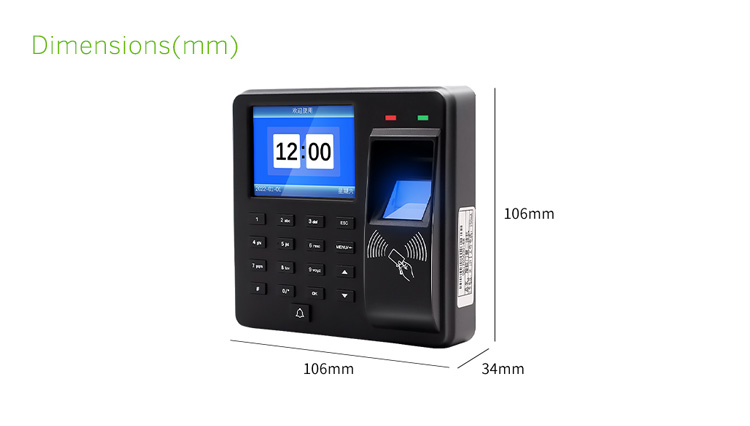
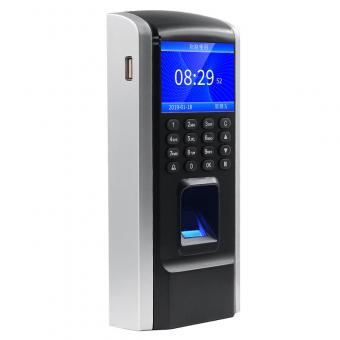
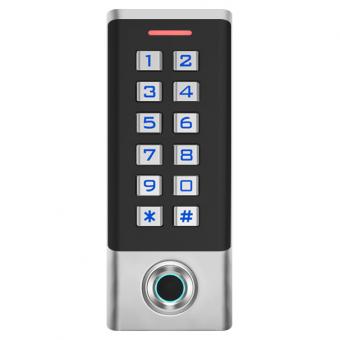
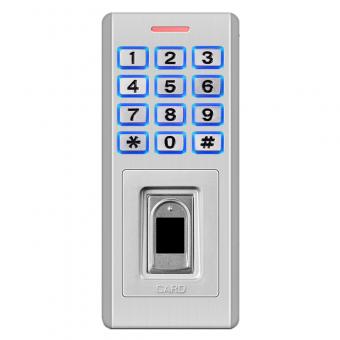
1.7-inch TFT Display Fingerprint RFID Standalone Access Control Keypad
|
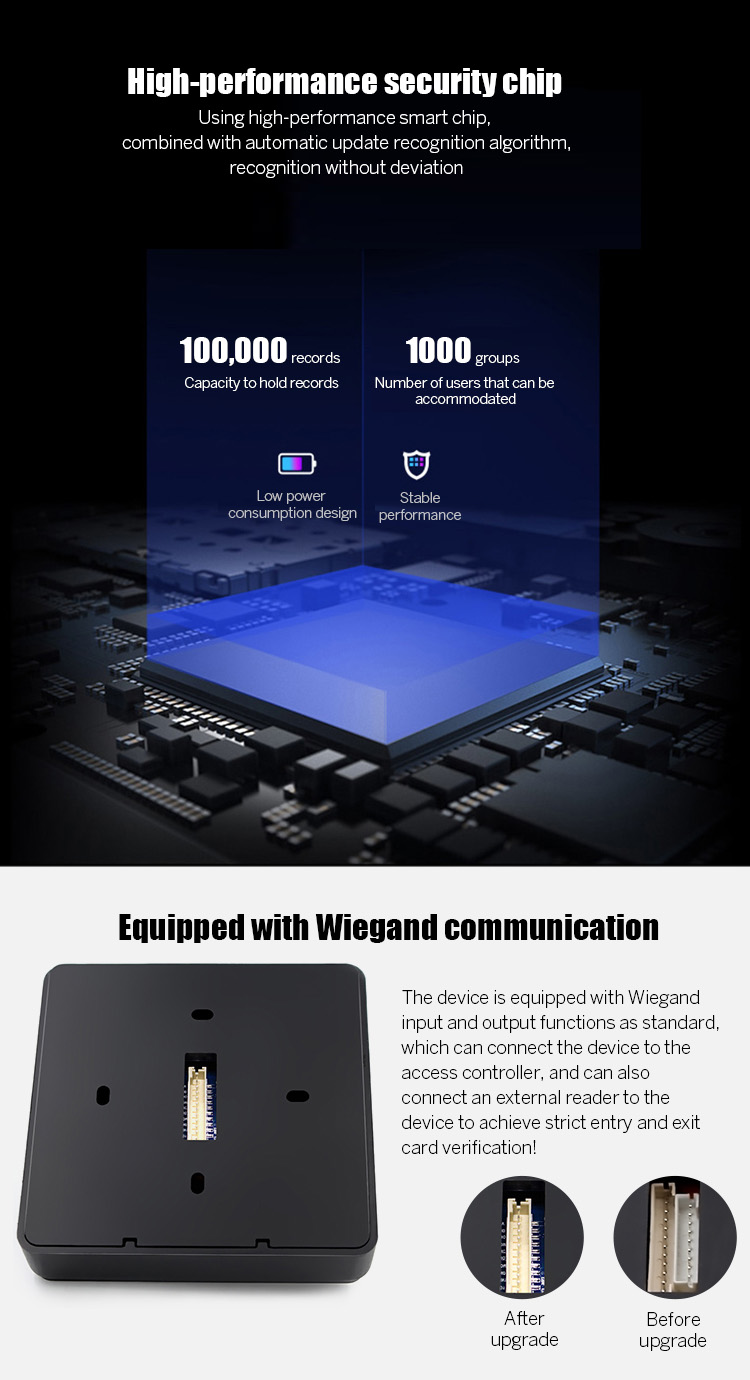
Fingerprint capacity
|
1000 pieces
|
|
Recording capacity
|
100,000 items
|
|
Identification method
|
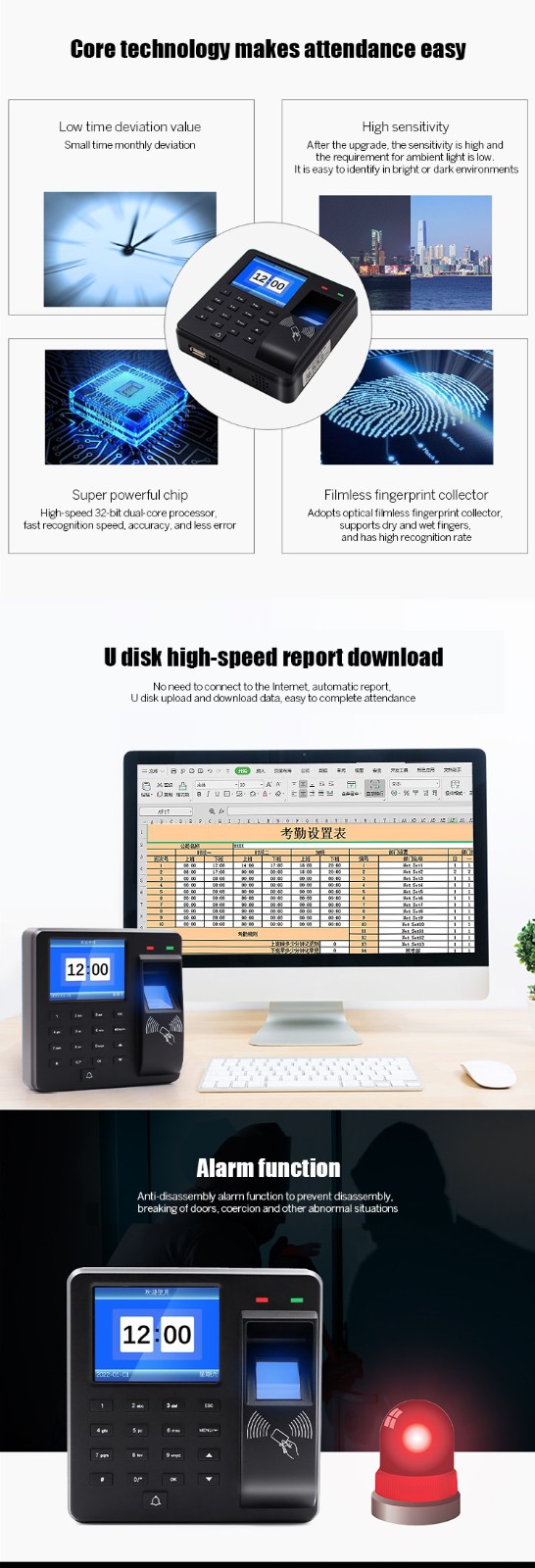
Fingerprint, card, password
|
|
Alarm function
|
Anti-tampering, illegal door opening, and the door not locked
|
|
Doorbell
|
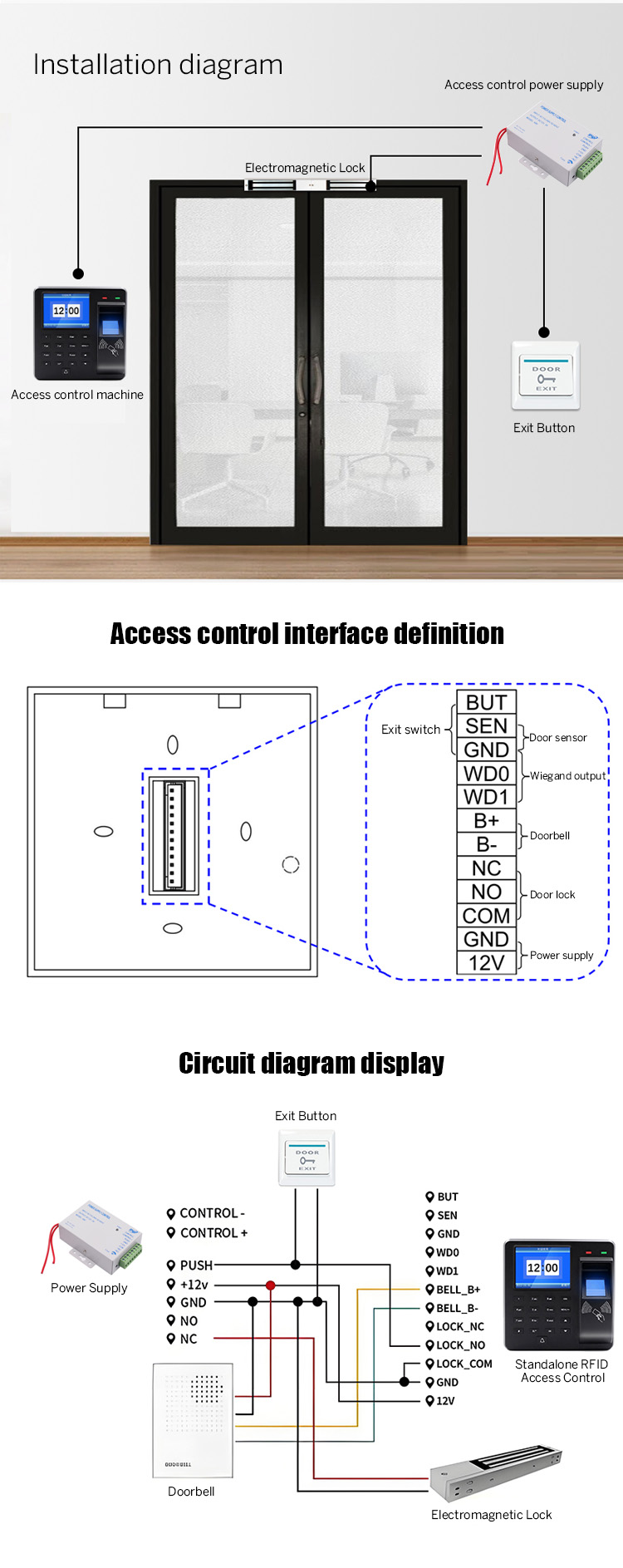
An external wired doorbell (DC doorbell) can be connected
|
|
Machine size
|
106x34x106mm
|
|
Wiegand input/output
|
WG26/WG34
|
|
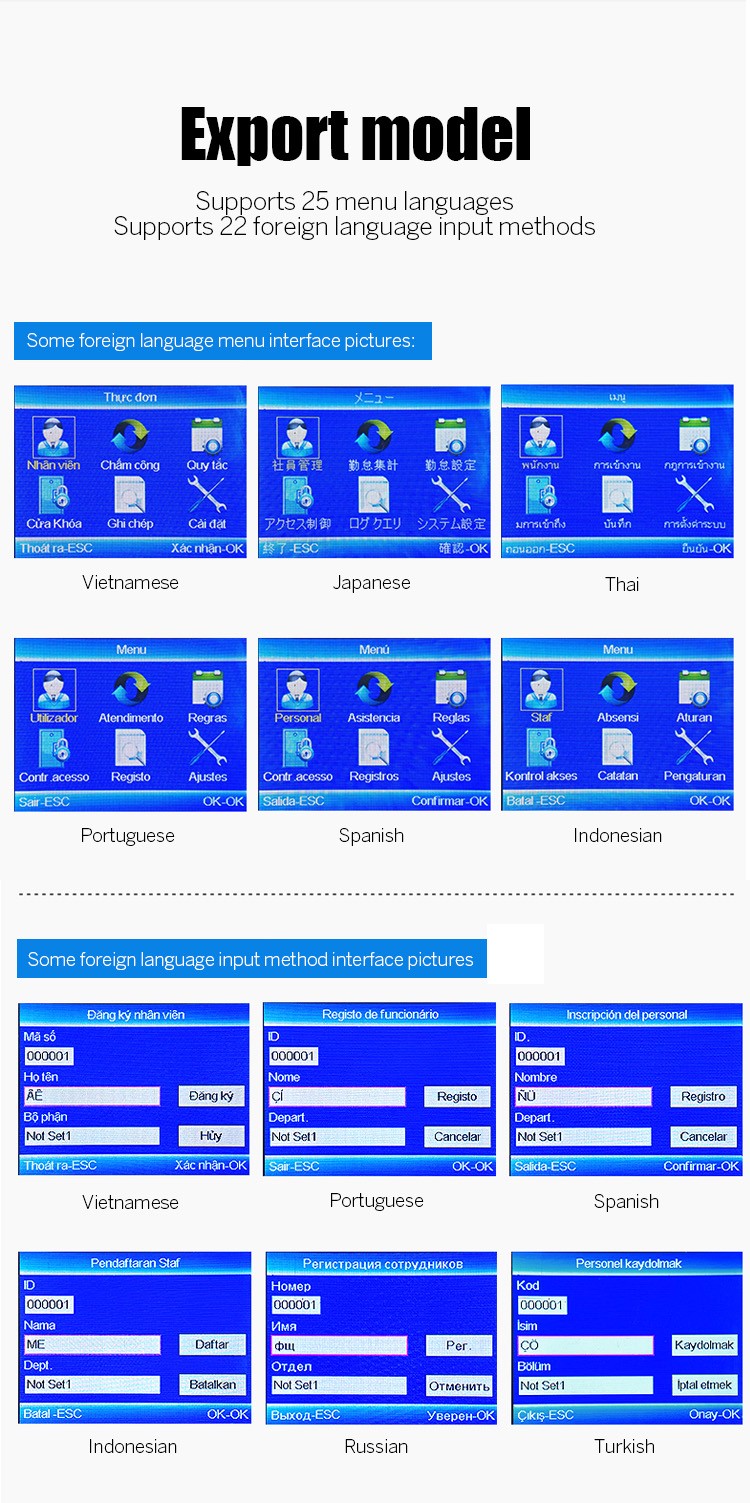
Language
|
25 languages, including Chinese, English, Spanish, Portuguese, German, etc.
|
The S4A RFID Standalone Access Control system is primarily designed as an independent solution, but its ability to integrate with other security systems depends on its specific features, hardware capabilities, and available interfaces. Here's a breakdown of potential integration possibilities and limitations:
1. Limited Integration Capabilities (Typical for Standalone Systems)
Standalone access control systems are intentionally designed to operate without relying on a network or central server, which means they often have minimal built-in integration features. Key constraints include:
No native IP/network connectivity: Unlike networked (IP-based) systems, standalone models may lack Ethernet, Wi-Fi, or TCP/IP interfaces, making direct integration with cloud-based or networked security systems (e.g., CCTV, alarms, or centralized management software) challenging.
Limited I/O ports: Most standalone systems have basic input/output (I/O) ports (e.g., relay contacts for door locks, buzzers) but may not support advanced protocols like Wiegand, OSDP, or BACnet, which are required for seamless integration with other devices.
2. Potential Workarounds for Basic Integration
While true “integration” may be limited, you can sometimes achieve loose coordination with other security systems using physical or electrical connections. Examples include:
a. Door Contacts and Alarms
Integration with burglar alarms: Use the standalone systems' relay outputs to trigger a security alarm when a door is forced open (via a door contact sensor) or when an invalid access attempt occurs.
Emergency egress: Connect the system to fire alarms or panic buttons. In an emergency, the relay can automatically unlock doors (if configured as “fail-safe”) to allow evacuation.
b. CCTV/Video Surveillance
Event-triggered recording: Use the standalone system's output signals (e.g., when a card is swiped or a door is opened/closed) to trigger a CCTV camera to record footage. This requires a physical connection between the access control relay and the camera's trigger input.
Manual review of access logs + footage: While not real-time integration, you can cross-reference the standalone systems' access logs (stored locally) with CCTV recordings later for forensic analysis.
c. Intercom Systems
Basic buzz-in functionality: Some standalone keypads may have a built-in buzzer or relay that can connect to an intercom system, allowing users to request access via the keypad and grant entry remotely (e.g., via a button on the intercom).
3. Limitations to Consider
No centralized management: Standalone systems cannot share real-time data with other security systems (e.g., a central monitoring station or cloud dashboard). Each device operates in isolation.
No software integration: There's no native support for merging access control data with other security platforms (e.g., SIEM tools, visitor management software, or analytics platforms).
Scalability issues: If you need deep integration across multiple doors or sites, a standalone system is not ideal. Upgrading to a networked/IP-based access control system (which natively supports APIs, protocols, and software integration) would be more suitable.
4. When to Choose a Standalone System vs. Integrated Solutions
Use standalone systems for:
Small-scale setups (e.g., single doors, remote locations with no network).
Environments where simplicity and low cost are prioritized over integration (e.g., small offices, warehouses, or residential gates).
Choose networked systems for integration needs:
Larger facilities requiring integration with CCTV, alarms, or cloud management.
Organizations needing centralized oversight, real-time alerts, or compliance with audit requirements (e.g., healthcare, finance, or government).
Conclusion
The S4A RFID Standalone Access Control system is best suited for independent, low-complexity applications and has limited native integration capabilities with other security systems. While you can use physical connections for basic (e.g., triggering alarms or CCTV), they cannot provide the seamless, data-driven integration of networked systems. If integration is a key requirement, consider upgrading to a networked access control solution or verifying with the manufacturer if the specific S4A model offers any advanced I/O or protocol support.



 English
 français
 Deutsch
 русский
 italiano
 español
 português
 العربية
 Türkçe
 Tiếng Việt
 Indonesia
 IPv6 network supported