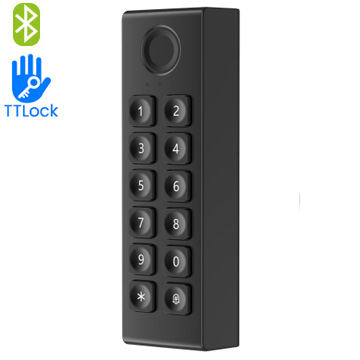
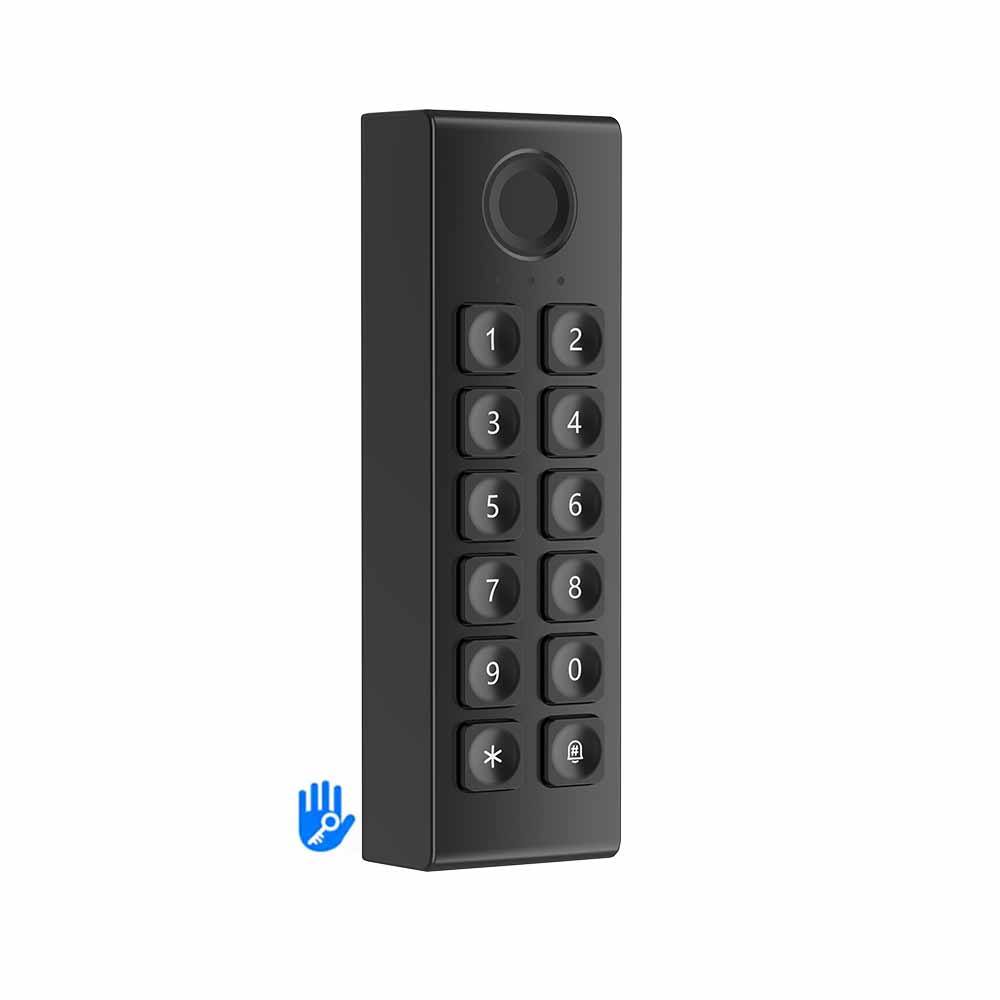
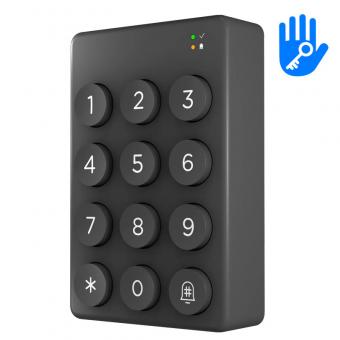
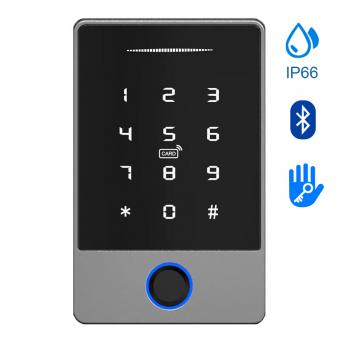
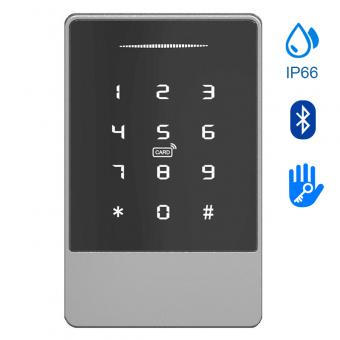
WK3 Standalone Wireless Keypad – TTlock App, Fingerprint/Card/BLE Unlock for Smart Locks
|
Product Parameter
|
Parameter Descr1ption
|
|
S4A Model
|
WK3
|
|
Product Name
|
WK3 Standalone Wireless Keypad – TTlock App, Fingerprint/Card/BLE Unlock for Smart Locks
|
|
|
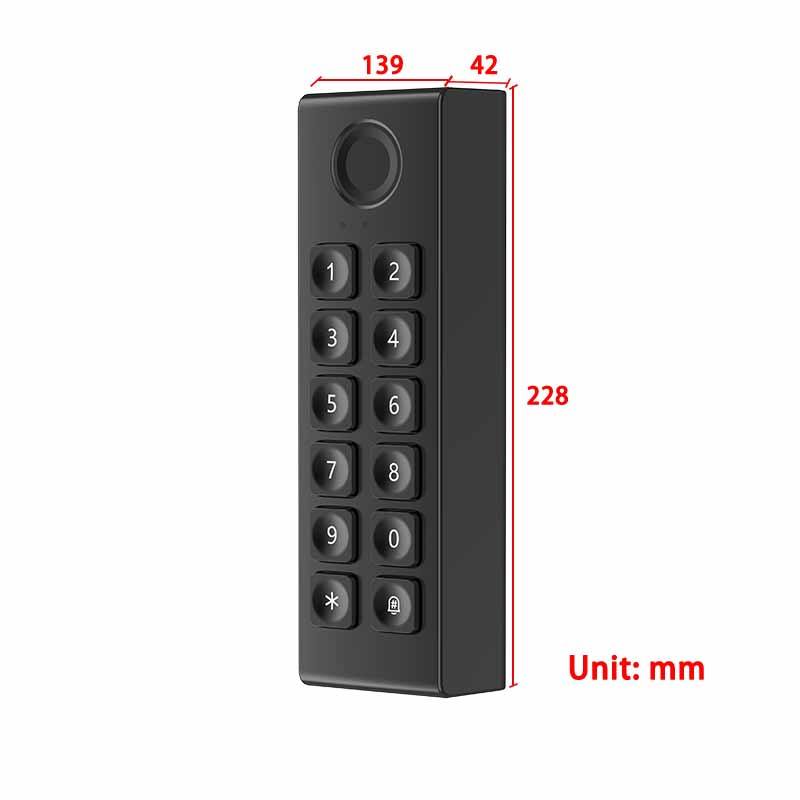
Dimensions
|
L139mmxW42mmxT28mm
|
|
Bluetooth Stanard
|
Bluetooth 5.4 BLE
|
|
Supporting systems
|
Android 4.3/10s7.0 above
|
|
Power supply
|
4 AAA
|
|
Stand-by current
|
≈20 uA
|
|
Working voltage
|
6V
|
|
Working temperature
|
-20~50°C
|
|
Maximum number of supporting fingerprints
|
100
|
|
Maximum number of supporting bonding locks
|
3
|
How Does the WK3 Standalone Wireless Keypad – TTlock App Work?
The WK3 Standalone Wireless Keypad is designed as a user-friendly, versatile access control solution that integrates seamlessly with the TTlock App. It operates through simple Bluetooth connectivity and intuitive app management, enabling secure, flexible access without complex wiring or professional installation. Below is a clear, step-by-step explanation of its working principle, tailored for easy understanding:
1. Core Connection: Bluetooth BLE 5.4 Pairing
The WK3 keypad uses Bluetooth BLE 5.4 technology to communicate directly with the TTlock App (compatible with Android 4.3+ and iOS 7.0+).
-
Enter pairing mode: If the keypad is unpaired, press any key to activate pairing mode. If already paired with other devices, input “529#” to reset and enter pairing mode.
-
App connection: Open the TTlock App, log in (via phone number or email, supporting 200+ countries), navigate to “Settings > Wireless Keypad > Add Wireless Keypad”, and follow on-screen prompts to complete pairing.
-
Multi-lock compatibility: One WK3 keypad can be paired with up to 3 TTlock-enabled smart locks, with slot indicator lights distinguishing between active locks.
2. Flexible Unlocking Methods
After successful pairing, the WK3 keypad supports four convenient unlocking ways to suit different scenarios:
-
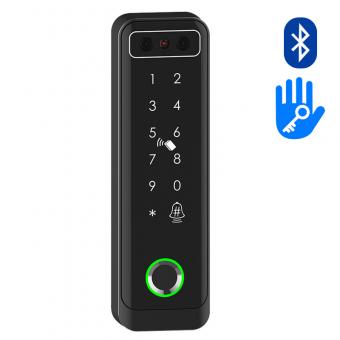
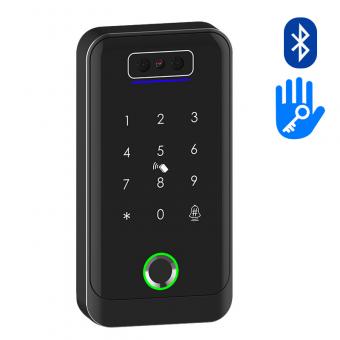
Fingerprint unlock: Store up to 100 semiconductor live fingerprints in the App, and unlock by placing a registered finger on the keypad’s sensor (fast response in ~1.5 seconds).
-
Passcode unlock: Input a pre-set passcode (supports permanent, temporary, one-time, or cyclic codes) by “#” – a green LED and long beep confirm success, while a red LED and four beeps indicate an invalid code.
-
IC card unlock: Use compatible RFID cards for quick access, ideal for elderly users or those who prefer physical credentials.
-
App remote control: Pair the connected lock with a TTlock Gateway (optional) to enable remote management – generate/ revoke passcodes, monitor access records, and receive unlock notifications from anywhere via the App.
3. Smart Management & Practical Features
The TTlock App serves as a central hub for full keypad control, with user-friendly functions designed for simplicity:
-
Access authorization: Share temporary or permanent access with family, guests, or employees by sending e-keys/passcodes via the App, with customizable start/end times.
-
Activity tracking: View real-time unlock logs (who unlocked, when, and via which method) in the App for security and accountability.
-
Battery management: Powered by 4 AAA batteries, the keypad has a standby current of <20uA for long-lasting use. A low-battery warning (flashing red LED when awakened) reminds you to replace batteries in time.
-
Sound control: Toggle keypad beeps on/off through the App’s “Lock Sound” setting for quiet environments.
4. Security & Reliability
We prioritize data security in the WK3’s design:
-
All communications between the keypad, App, and locks use multi-layer encrypted protocols to protect access data and user information.
-
The keypad operates in temperatures from -20°C to 50°C, ensuring performance in most indoor/outdoor settings.



 English
 français
 Deutsch
 русский
 italiano
 español
 português
 العربية
 Türkçe
 Tiếng Việt
 Indonesia
 IPv6 network supported