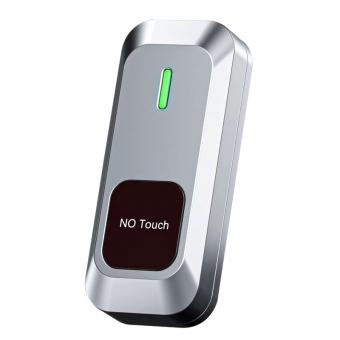
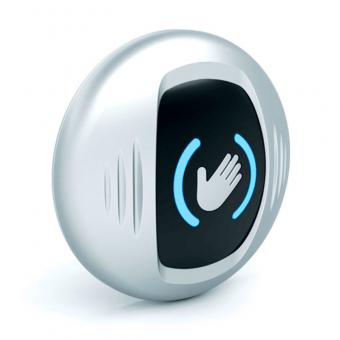
Wireless Infrared Touch Free Switch Button
Model No: WS-602H
|
Input voltage (receiver)
|
AC/DC12V-30V
|
|
stand-by current
|
34mA (when DC12V power supply)
|
|
Current action
|
64mA (when DC12V power supply)
|
|
Emission current
|
10mA
|
|
Launch distance
|
30 meters open, up to 30 meters above
|
|
Hand holder power supply
|
3V (2 3V button batteries, powered in parallel)
|
|
Infrared scan interval
|
M mode: 330Ms K mode: 250Ms
|
|
Battery Life
|
An average of 200 compressions per day for 190 days
|
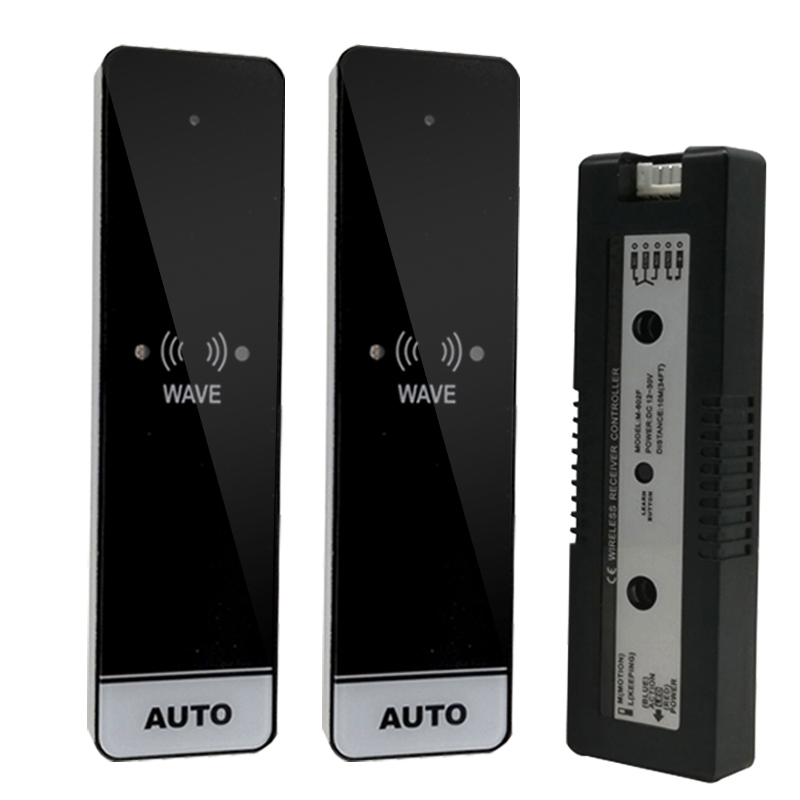
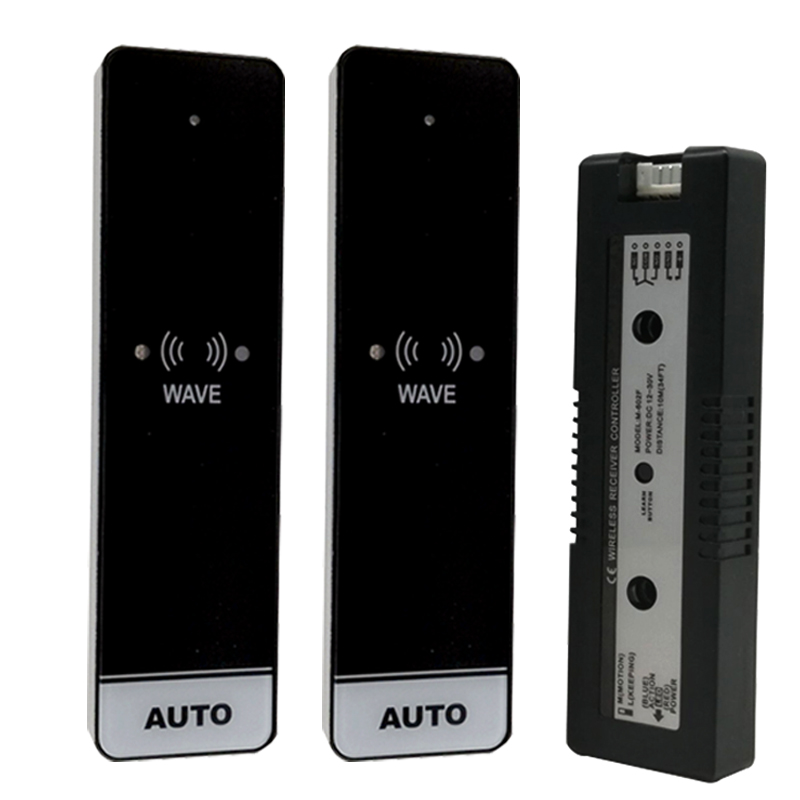
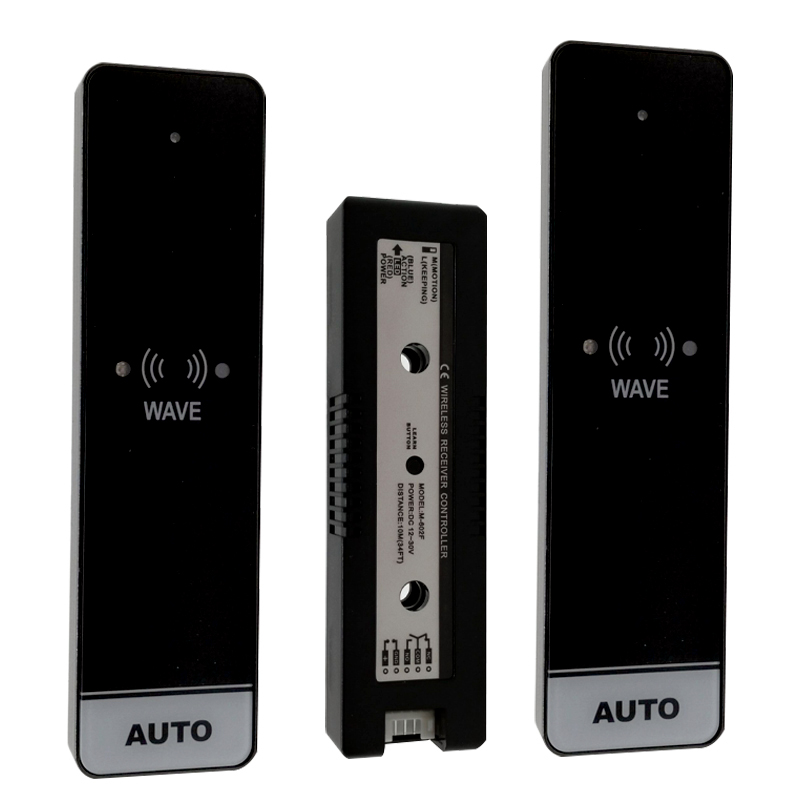
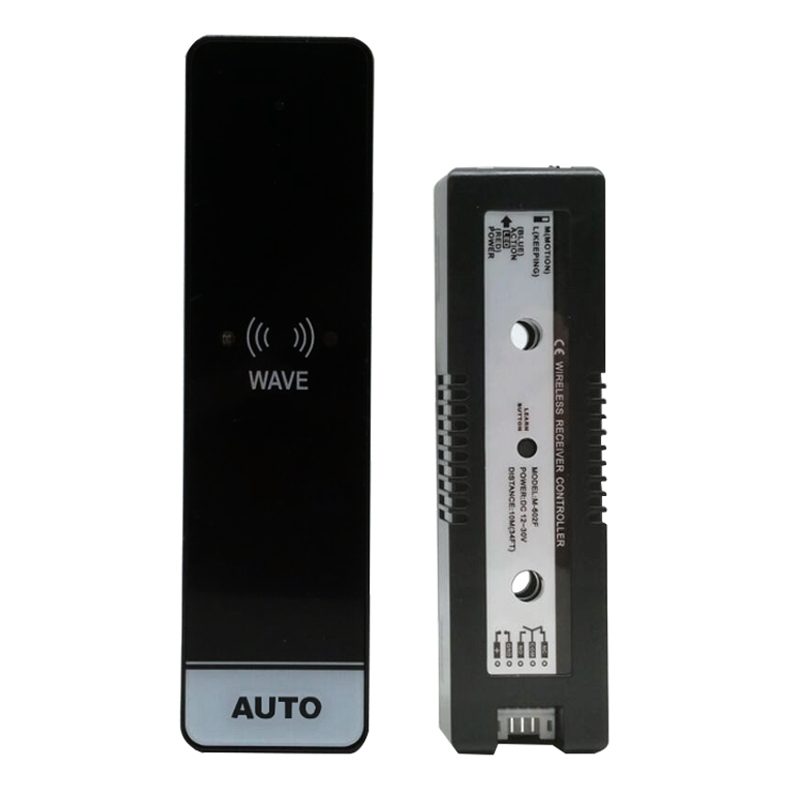
To connect the S4A WS-602H Wireless Infrared Touch-Free Switch to our automatic door operator,
follow these detailed steps. Since this is a wireless system, the "connection" involves both hardwiring the receiver and pairing the wireless panel.
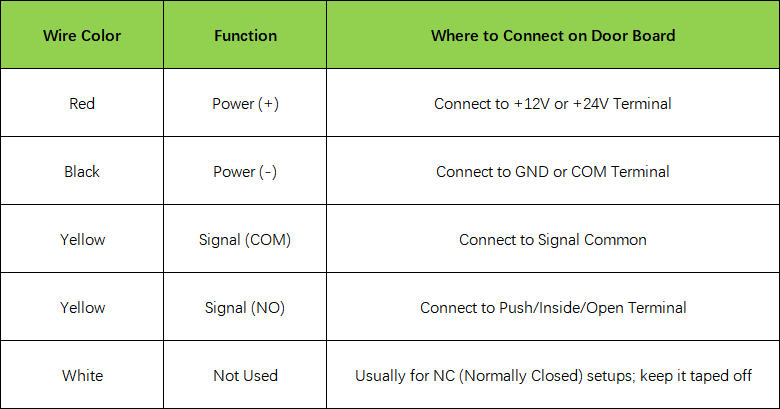
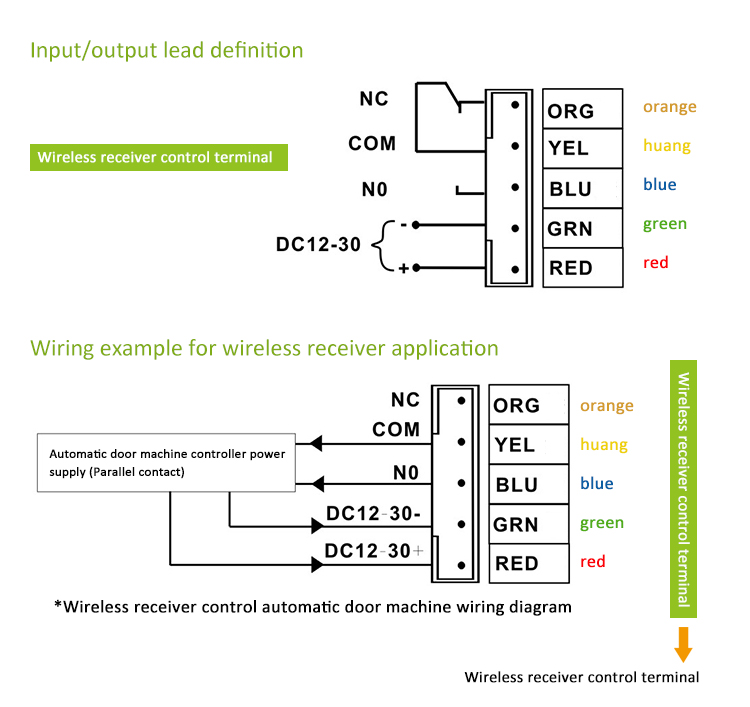
Step 1: Wiring the Receiver (The Main Connection)
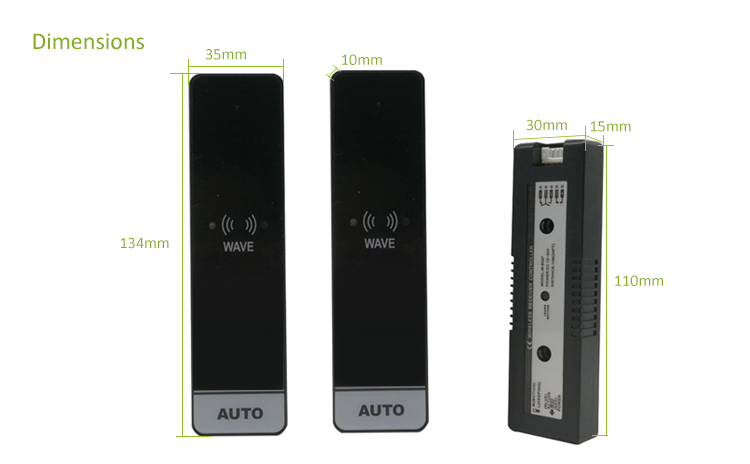
The receiver is the small box that stays inside the door operator's motor cover. It has 5 wires that need to be connected to the door's control board.
Step 2: Powering the Wireless Panel
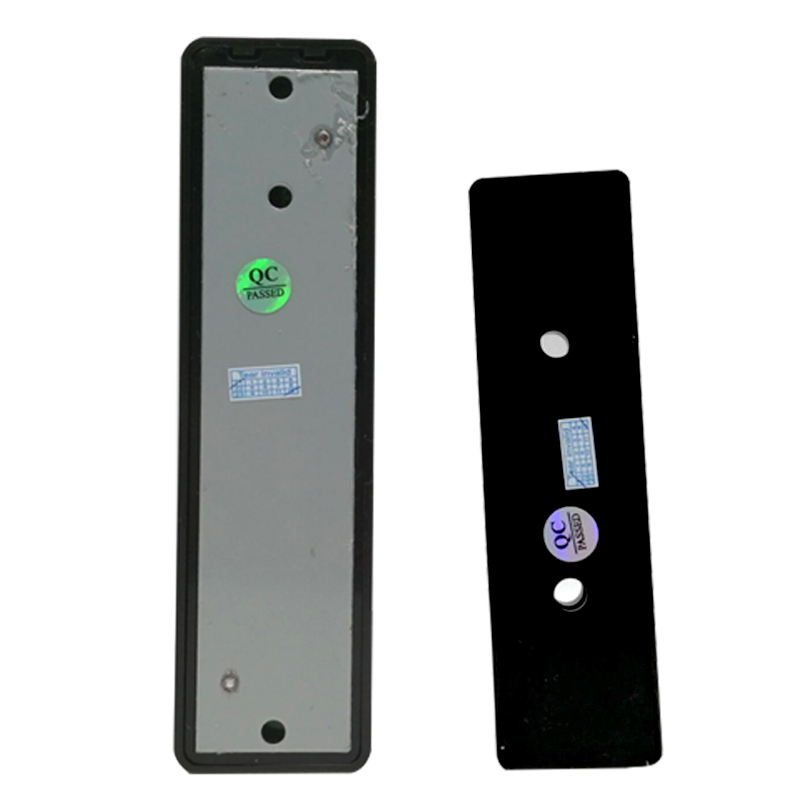
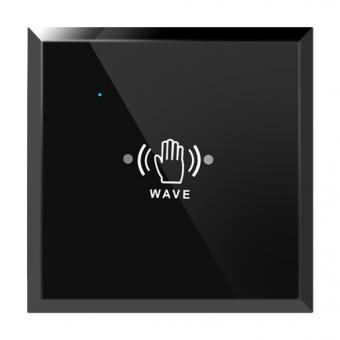
The touch-free panel (the part people wave at) is battery-powered, so it requires no wiring to the door.Open the back cover of the panel.
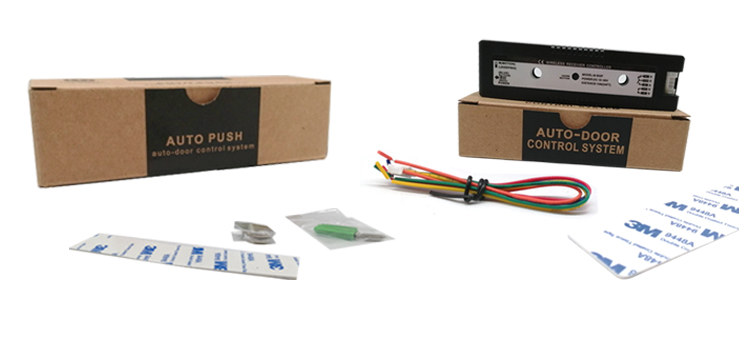
Install 2 x 3V button batteries (CR2032 or similar, usually included).Ensure the insulation plastic tab is removed so the power is active.
Step 3: Pairing (Learning Code)
The receiver and the panel must be "linked" so they can talk to each other.Press the Learning Button on the receiver box once. The blue light will turn on, indicating it is in "Learning Mode." Wave your hand in front of the wireless panel immediately. The blue light on the receiver will flash twice, confirming the pairing is successful.Wait 5 seconds for the receiver to exit learning mode.
Step 4: Adjustment & Testing
Once connected and paired, you can fine-tune the sensor:
Sensing Distance: There is a small adjustment dial (potentiometer) on the back of the panel. Turn it to change how close a hand needs to be (usually 1cm to 15cm).
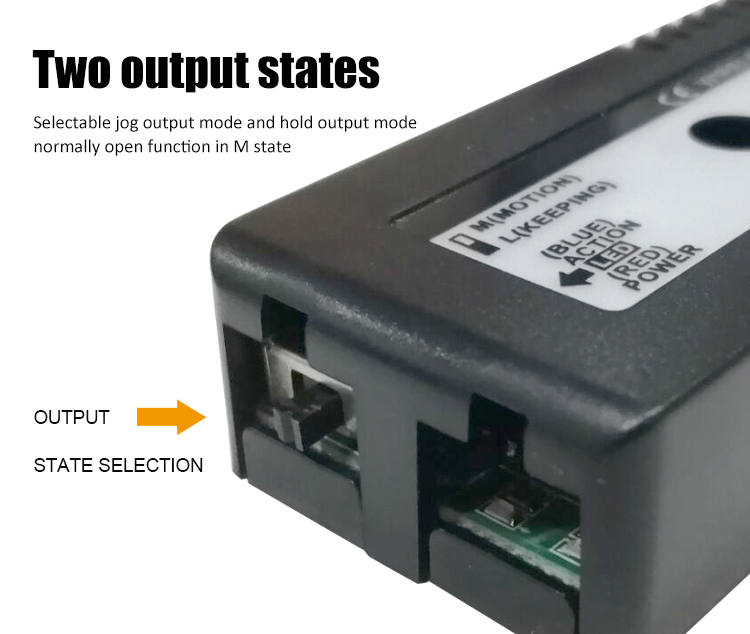
Output Time: You can usually toggle between M mode (Pulse: the door opens once) and K mode (Toggle: the door stays open until you wave again). For automatic doors, always use M mode
Professional Installation Tips
Placement: Because it is wireless, you can stick the panel on glass or stone using the provided 3M adhesive. No need to drill holes!
Interference: Avoid placing the receiver behind thick metal plates, as this can reduce the 30-meter wireless range.
Safety First: Always turn off the main power to the automatic door motor before touching the control board wiring to avoid short circuits.
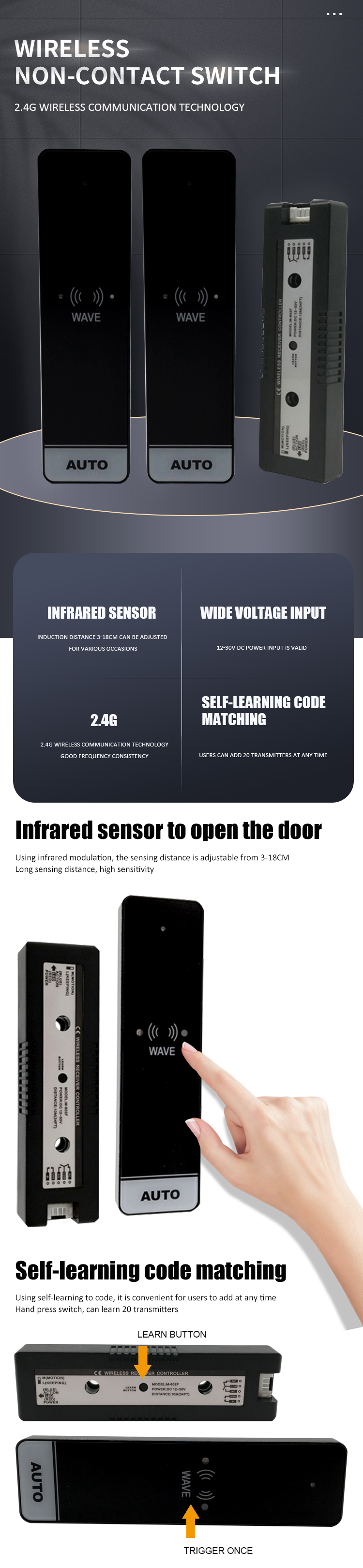
How to pair learning code?
Press the receiver learning button and loose hand, the blue indicator on, entering learning mode, at this time, sensing the transmitter, the receiver blue light flashing twice, paring success. After 5 seconds, it automatically exits and returns to standby mode.
How do Delete ?
Press and hold the learning button for 5 seconds, the blue light flashes quickly, you can delete all codes. (It does not support single delete)
Attention
This product is a self-learning code type, the transmitter needs to be coded into the controller before use, and it can learn pair to 20 transmitters max



 English
 français
 Deutsch
 русский
 italiano
 español
 português
 العربية
 Türkçe
 Tiếng Việt
 Indonesia


 IPv6 network supported