Tuya RX Multi WiFi/RF Smart Remote Control for Garage & Gate
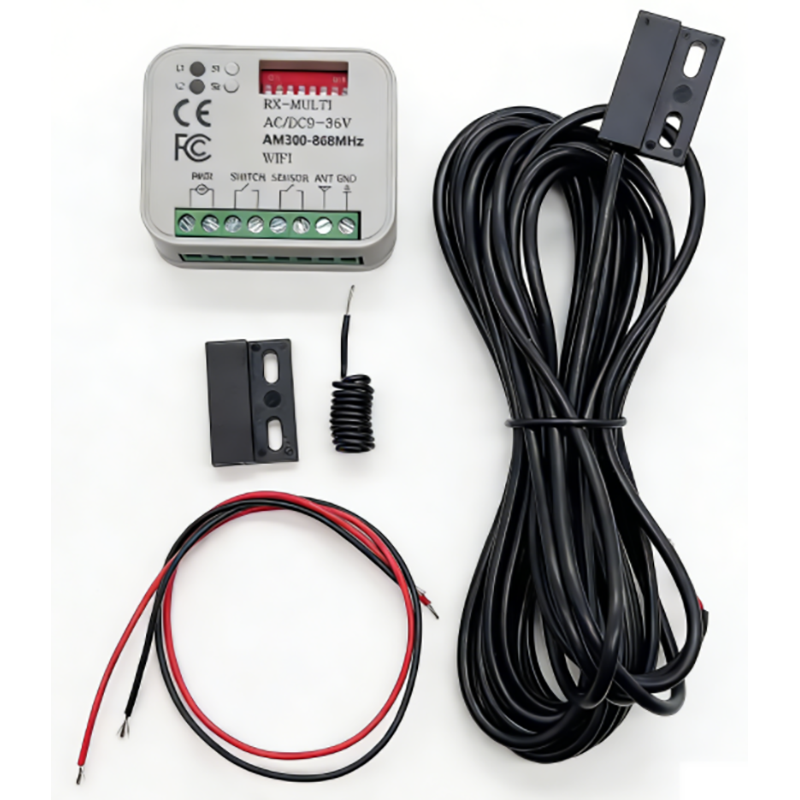
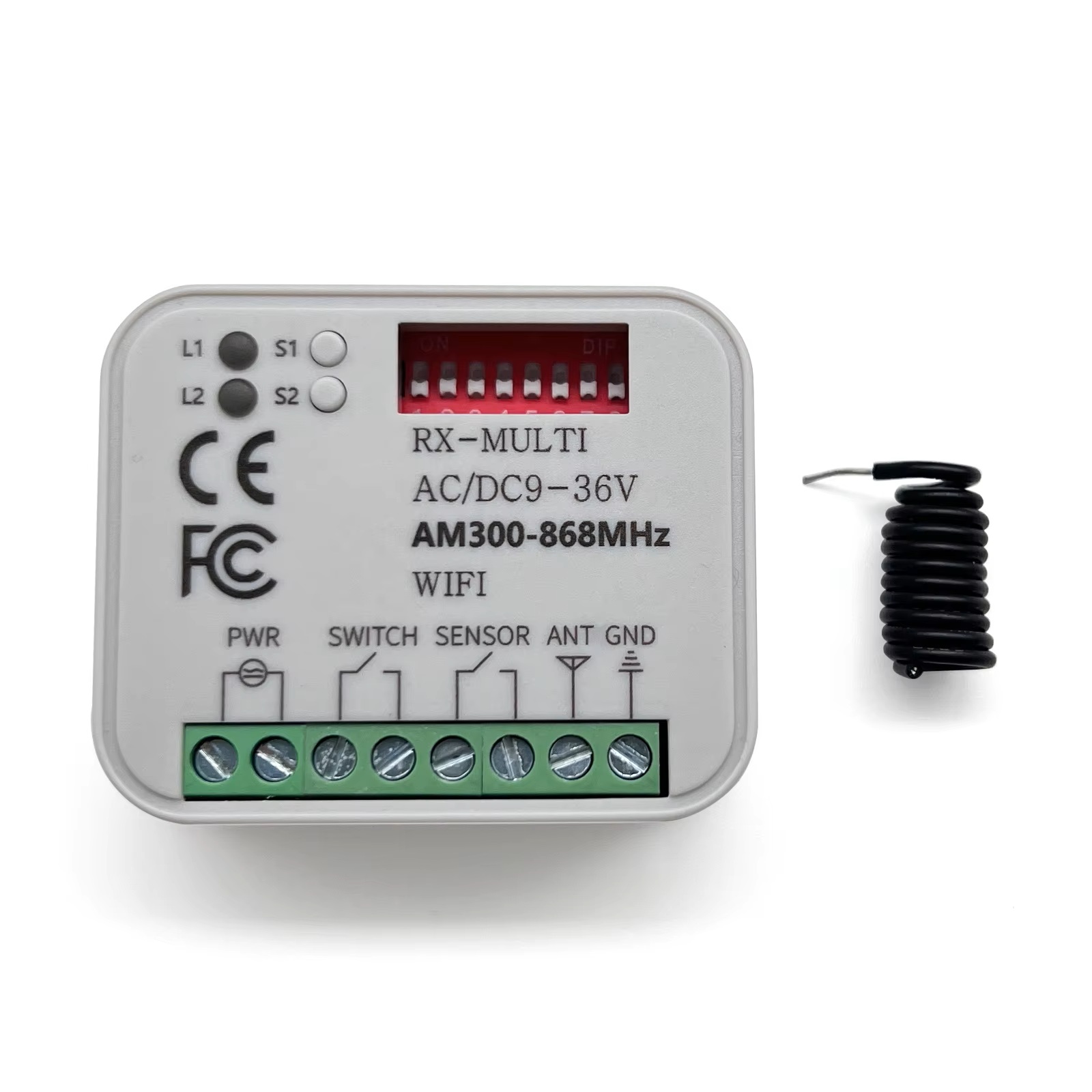
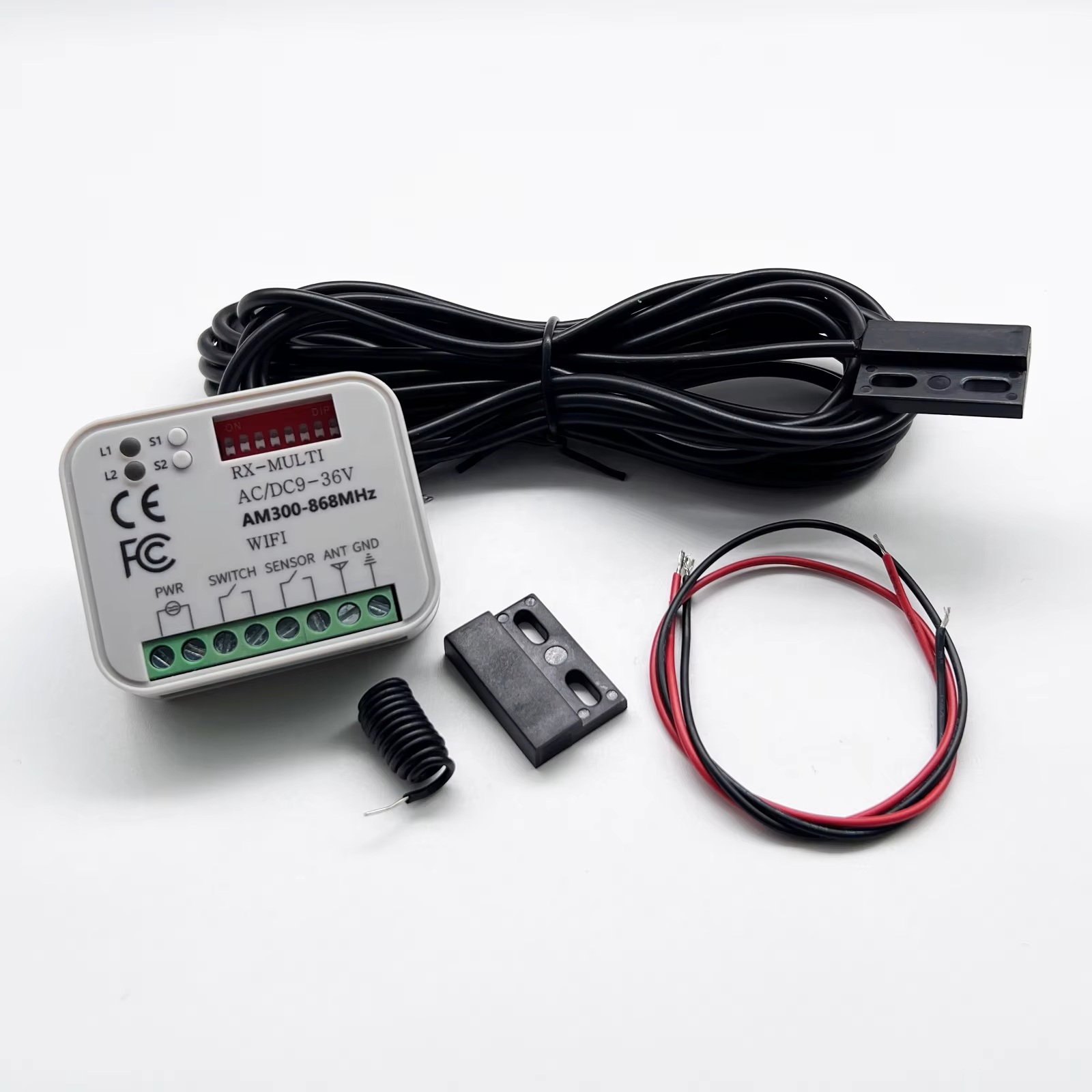
The Tuya RX-MULTI AC/DC9 - 36V wifi controller is a device designed for controlling various electrical appliances and systems. It supports a wide voltage input range from AC/DC9V to 36V, and connects to your home network via 2.4GHz Wi-Fi, allowing you to remotely control connected devices through the Tuya Smart or Smart Life APP.
The Tuya RX Multi WiFi/RF Smart Remote Control is a versatile, user-friendly automation solution designed to upgrade traditional garage doors and gates into smart, app-managed access points. Compatible with Tuya Smart Life App, it supports dual communication modes (WiFi + RF) to ensure stable connectivity, flexible control, and seamless integration with smart home ecosystems. Below is a factory-backed, easy-to-understand breakdown of its features, working principle, and installation process—tailored for both residential users and commercial installers.
Core Features & Compatibility
As a direct-from-factory product, we’ve engineered this remote control to meet global smart access needs with the following key attributes:
-
Dual Communication Modes: 2.4GHz WiFi (compatible with 802.11b/g/n protocols) + 433MHz RF (radio frequency) for long-range, barrier-penetrating control. WiFi enables app remote access, while RF connects directly to garage/gate motors (no internet required for local use).
-
Universal Compatibility: Works with most rolling code and fixed code garage/gate motors (300–900MHz frequency range). No need to replace existing motors—just pair and use.
-
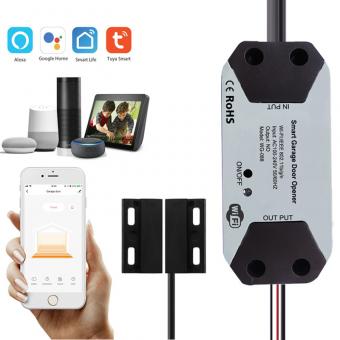
Tuya Smart Life App Integration: Control, monitor, and share access via the free Tuya Smart Life App (iOS/Android compatible). Supports voice control with Alexa, Google Assistant, and Siri Shortcuts for hands-free operation.
-
Multiple Control Methods: App remote control, RF remote fob (included), voice commands, and timer schedules—ideal for diverse user scenarios.
-
Durable & Weather-Resistant: IP54-rated casing protects against dust and splashing water, suitable for outdoor installation near garage doors or gate entrances.
How It Works: Simple Operation from Factory Design
We’ve optimized the remote’s working logic to be intuitive, eliminating complex programming for end-users:
1. Pairing with Garage/Gate Motors (RF Mode)
This step establishes a direct local connection between the remote and your motor, no internet needed:
-
Put your garage/gate motor into learning mode (refer to your motor’s manual—usually done by pressing a “learn” or “program” button until the indicator flashes).
-
Press and hold the corresponding button on the Tuya RX Multi remote for 2–3 seconds.
-
Wait for the motor’s indicator to stop flashing—pairing is complete. Repeat to add multiple motors (supports up to 8 devices).
2. Connecting to Tuya Smart Life App (WiFi Mode)
WiFi connectivity unlocks remote control and smart home integration features:
-
Power on the remote (use the included 5V USB power supply or a 12V DC battery for wireless installation).
-
Open the Tuya Smart Life App, tap “+” > “Add Device” > “Garage Door Opener”, and select “Tuya RX Multi WiFi/RF Remote”.
-
Follow the app prompts to connect the remote to your 2.4GHz WiFi network (note: 5GHz WiFi is not supported).
-
Once connected, the remote will appear in your app device list—you can rename it (e.g., “Front Gate Remote”) for easy management.
3. Smart Control & Management Functions
From the factory’s perspective, these features are designed to maximize convenience and security:
-
Remote App Control: Open/close your garage/gate from anywhere in the world—perfect for letting in family, couriers, or employees when you’re not at home.
-
Access Sharing: Grant temporary or permanent access to others via the app (e.g., share a 24-hour access link with a house cleaner). No need to hand out physical remotes.
-
Timer Schedules: Set automatic opening/closing times (e.g., open the gate at 7:00 AM for daily commutes, close it at 10:00 PM for security).
-
Voice Control: Link to Alexa or Google Assistant and use commands like “Alexa, open the garage door” for hands-free operation.
-
Status Monitoring: The app displays real-time status (open/closed) and activity logs, so you can check who operated the garage/gate and when.
S4A Recommended Installation Tips for Optimal Performance
To ensure stable operation and long service life, follow these professional guidelines:
-
Mounting Location: Install the remote 1.5–2 meters above the ground, away from direct sunlight, heavy rain, or metal obstacles (metal can block RF signals). For outdoor use, secure it with the included waterproof mounting bracket.
-
WiFi Signal Strength: Place the remote within range of your 2.4GHz WiFi router (max 30m indoor, 100m outdoor without barriers). If the signal is weak, use a WiFi extender to boost connectivity.
-
Power Supply: For permanent installation, use a 5V USB power adapter (included). For wireless use, install a 12V DC lithium battery (not included)—it supports up to 12 months of standby time with normal use.
-
Frequency Matching Check: Before pairing, confirm your garage/gate motor’s frequency (300–900MHz). If you’re unsure, contact our factory support team with your motor model for a compatibility check.
Why Choose S4A Tuya RX Multi Smart Remote? (Factory Advantages)
-
Cost-Effective Upgrade: Transform old garage/gate motors into smart devices without replacing the entire system—saves time and money.
-
Global Compatibility: Works with Tuya’s global smart home ecosystem, supporting multiple languages and regions for export markets.
-
Quality Assured: Each unit undergoes 100% factory testing for RF signal stability, WiFi connectivity, and weather resistance before shipment.
-
Easy After-Sales Support: Our factory provides a 12-month warranty and free firmware updates via the Tuya App to fix bugs and add new features.
Application Scenarios
-
Residential garage doors and driveway gates
-
Commercial property gates (offices, warehouses, parking lots)
-
Community entrance gates and shared facility access control



 English
 français
 Deutsch
 русский
 italiano
 español
 português
 العربية
 Türkçe
 Tiếng Việt
 Indonesia


 IPv6 network supported