What Are the Current Problems With Tuya Smart Locks? How Should They Be Solved?
Tuya smart locks may have problems with battery power, connection, fingerprint recognition, etc. during use. The following are specific situations and solutions:
Battery-related problems
Lock failure caused by low power: When the battery power is low, the smart lock may not lock or unlock normally, and the keyboard may not respond. The solution is to check the battery. If the power is low, replace it with a new alkaline battery according to the manufacturer's instructions.
Abnormal battery consumption: The new battery is exhausted in a short period of time, which may be caused by a short circuit, electronic lock body failure or low temperature. You can check whether there are signs of short circuit inside the lock body. If the cause cannot be determined, it is recommended to contact after-sales service for inspection. Try to avoid exposing the smart lock for a long time in a low temperature environment, or take warming measures.
Mechanical structure problems
The lock tongue is stuck or does not rebound: misalignment of the door or latch, problems with the top and bottom hooks, and too long square bars may cause this situation. You can check whether the door and latch are aligned, adjust the top and bottom hooks, replace the square bar of appropriate length, or insert the key into the lock hole and rotate it back and forth while lifting the door handle upwards. If there is a problem with the lock core, you can use a thin hairpin to reach into the lock core and turn it.
The handle does not rebound: It is usually caused by the square bar being too long or the handle fixing screw being too tight. The solution is to replace the square bar of appropriate length and loosen the handle fixing screw.
Fingerprint recognition problem
Misidentification:
Tuya Fingerprint lock sensor contamination, fingerprint wear or change, illegal or wrong entry, sensor aging or damage, etc. can all lead to misidentification. You can wipe the sensor surface with a clean soft cloth every once in a while, re-enter the fingerprint regularly, avoid entering in an unsafe environment, and contact a professional for replacement if the sensor is aging or damaged.
Successful identification but the door cannot be opened: If there is a sound of motor rotation when the verification is successful, it may be that the square bar in the handle has fallen off; if there is no sound of motor rotation, it may be that the circuit from the circuit board to the motor is burned out. If the square bar falls off, you can reinstall the square bar. If there is a problem with the line, you need to contact after-sales maintenance. In addition, the door being crooked may also cause this problem. You can gently tap the fingerprint lock to try to open the door, or adjust the position of the door.
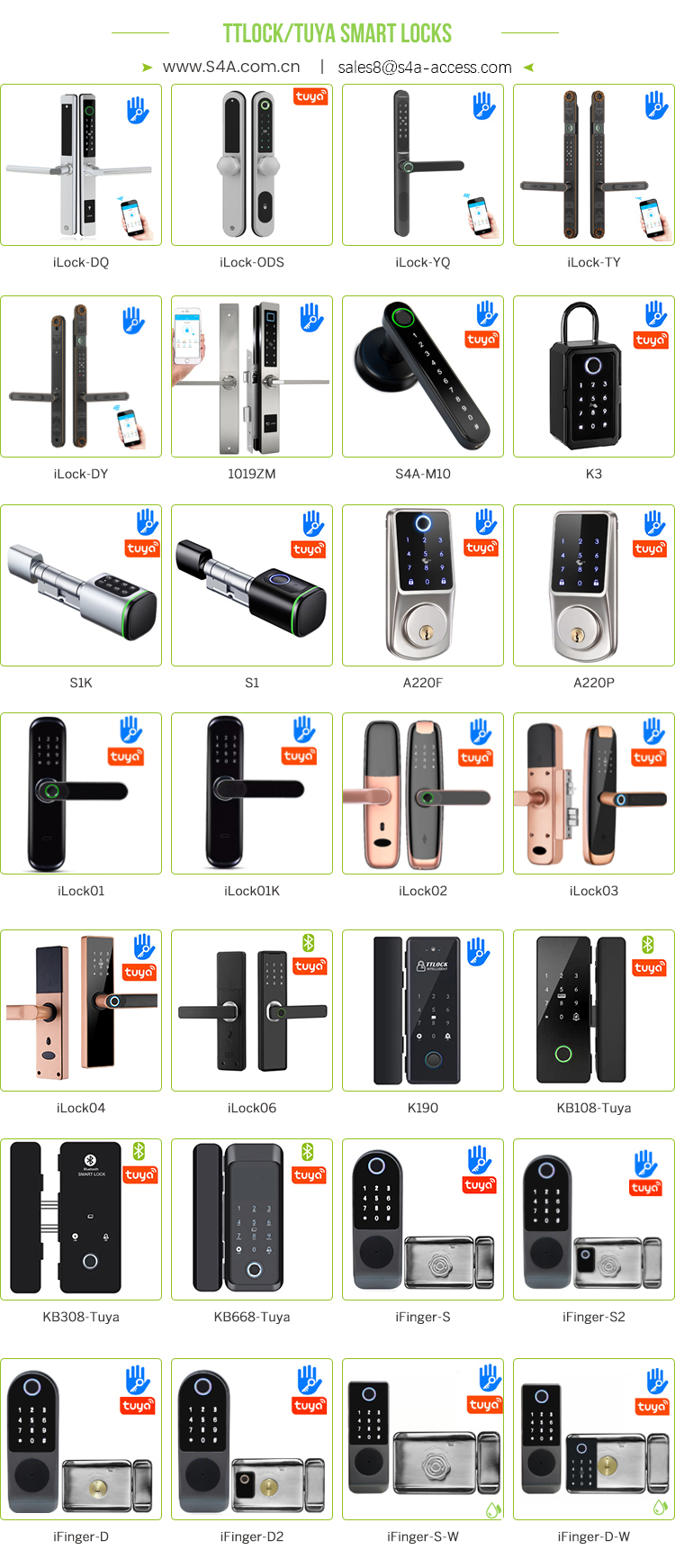
Software and connection issues
The smart lock app cannot be used: This may be due to an unstable Internet connection, an unupdated application, or insufficient user account permissions. You need to ensure that the smartphone and smart lock are connected to a stable Wi-Fi network, update the Tuya Smart App, and check and adjust user account permissions.
Incompatibility with smart home
access control systems such as Google Home: This may be due to connection problems, account association problems, or outdated applications. You should check device compatibility, update Tuya Smart and related smart home applications, and re-associate accounts.
Unable to connect to a Wi-Fi network: This may be due to the smart lock being out of the coverage range of the Wi-Fi router or the network settings being incorrect. You can move the smart lock closer to the Wi-Fi router to ensure that it is within the coverage range, and reconfigure the smart lock to connect to the correct Wi-Fi network.
Author: Written by
Ms.Lisa Zhu from S4A INDUSTRIAL CO., LIMITED




 English
 français
 Deutsch
 русский
 italiano
 español
 português
 العربية
 Türkçe
 Tiếng Việt
 Indonesia
 IPv6 network supported